
The 12 Best Workflow Automation Software Tools for 2025
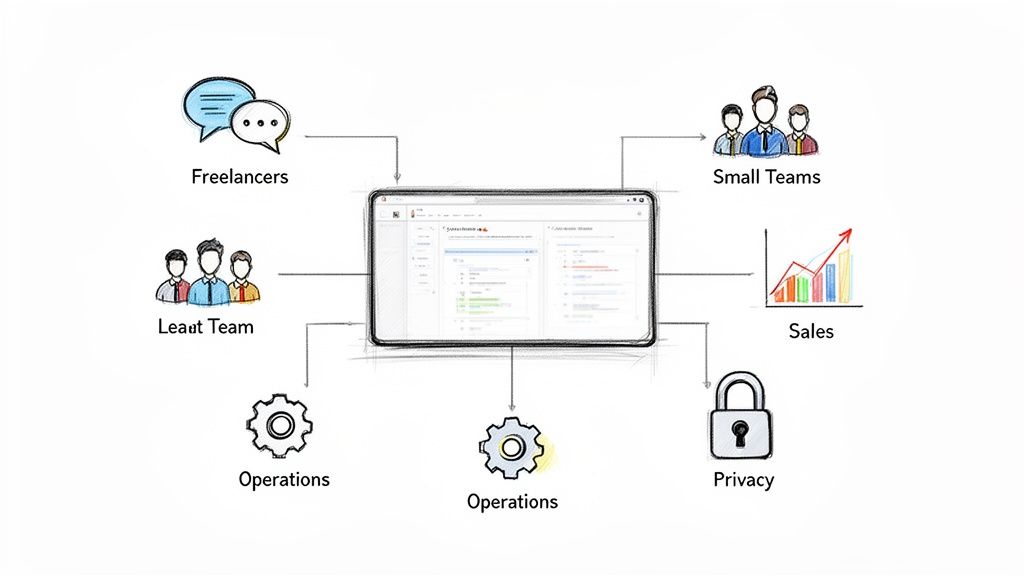
Repetitive tasks are the silent productivity killers for any professional, team, or founder. Whether it’s manually transferring lead data from a form to your CRM, collating daily reports, or sending routine follow-up emails, these manual processes consume valuable time and introduce a high risk of error. The solution lies in finding the best workflow automation software that fits your specific needs, but the market is crowded with options, each promising to be the ultimate fix. This guide cuts through the noise.
Instead of a generic list, we’ve categorized the top platforms to help you pinpoint the right tool for your exact situation. You’ll find detailed breakdowns for freelancers and solopreneurs, small teams, sales and marketing departments, and operations-focused users. We even cover options for those who prioritize privacy and self-hosting. For a deeper dive into how these tools specifically apply to marketing, exploring resources on marketing workflow automation can be highly beneficial.
Each entry in this comprehensive resource provides a clear, honest assessment based on real-world use cases. We analyze key features, pricing structures, and potential limitations to give you a complete picture. You’ll see exactly what each platform looks like with screenshots and get practical setup tips to launch your first automated workflow. We’ll explore powerful tools like Zapier, Make, and Sagekit, alongside specialized platforms designed for unique challenges. This isn’t just a list; it’s a strategic guide to reclaiming your time and focusing on the work that truly matters. Let’s find the perfect automation engine for you.
1. Sagekit
Sagekit stands out as a powerful contender for the best workflow automation software, particularly for users who want to move from idea to execution with minimal friction. Its core strength lies in its natural language interface, which allows you to describe a multi-step, cross-app process in plain English, either via chat or voice. Sagekit then interprets your request, proposes a logical plan, and builds the functional automation, effectively bridging the gap between intention and action without requiring any coding knowledge.
, Notion, Airtable, Asana, and Slack, users can connect their entire software stack in minutes.
- Action-Oriented AI: Unlike many AI tools that only provide answers, Sagekit takes concrete actions. It integrates advanced AI models with web scraping, web search, and data extraction capabilities to perform tasks like parsing leads from a contact form and creating a new record in your CRM, or researching a topic and summarizing the findings in a Notion document.
Pricing and Getting Started
Sagekit offers a transparent and accessible pricing structure, making it easy for anyone to get started.
| Plan | Price | Key Features |
|---|---|---|
| Free | $0/month | For individuals getting started with basic automation. |
| Pro | $19/month | For power users who need more complex workflows and higher usage limits. |
| Growth | Custom | For teams requiring shared workflows, unified billing, and advanced collaboration. |
Onboarding is remarkably fast, taking about two minutes with no credit card required for the free plan.
Website: https://sagekit.com
2. Zapier
Zapier is a cornerstone in the no-code movement and often the first tool teams turn to when exploring workflow automation. Its primary strength lies in its unparalleled app ecosystem, boasting over 6,000 integrations. This makes it an incredibly versatile platform for connecting disparate tools and automating linear, trigger-based tasks without writing a single line of code. It stands out as one of the best workflow automation software options for its sheer breadth of connectivity and ease of use.
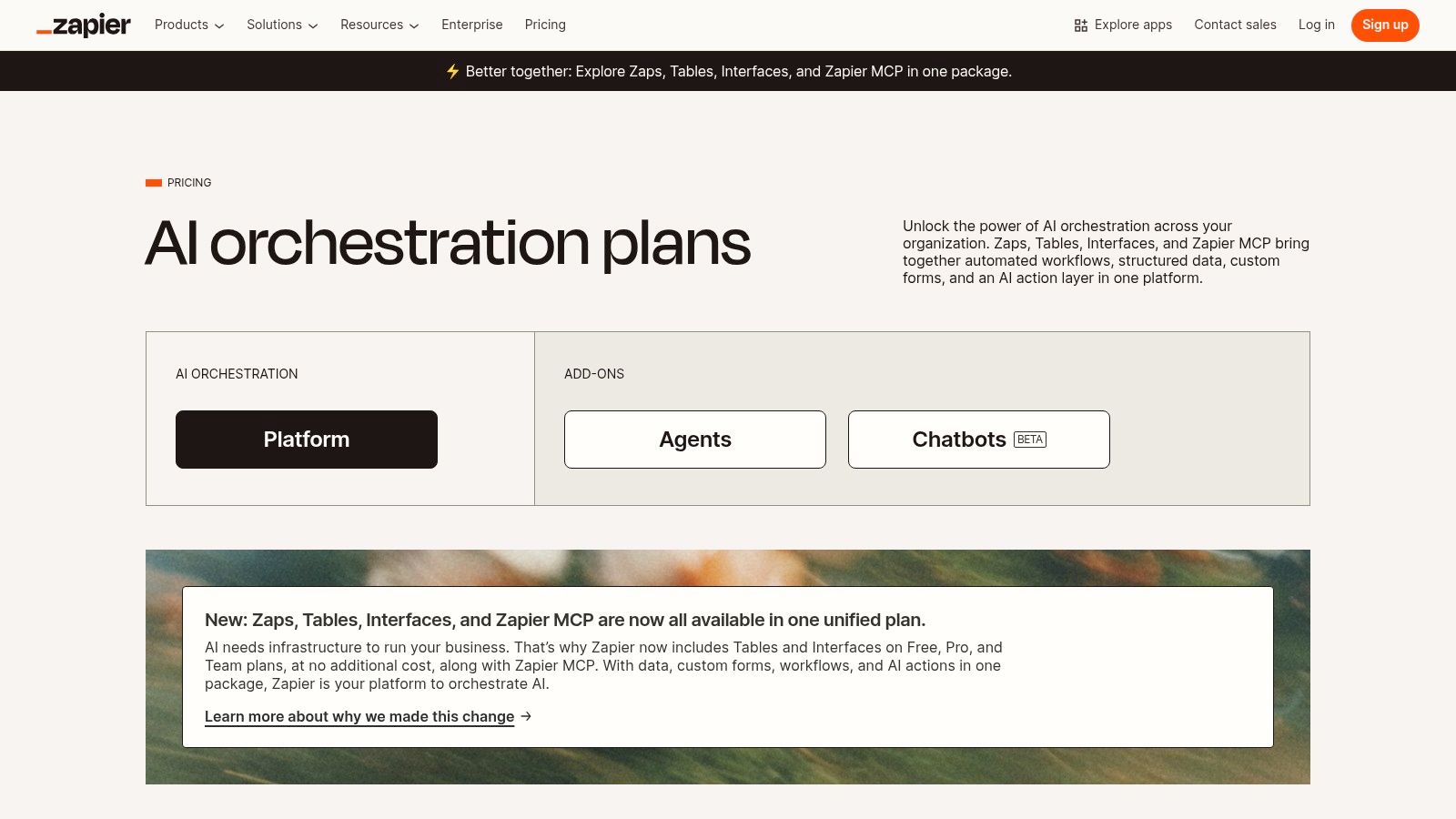
The platform has expanded beyond simple “Zaps” (its term for automations) to include Tables for lightweight database needs and Interfaces for creating simple internal UIs. This combination allows users to build more complete, end-to-end solutions within one ecosystem, from capturing data in a form to storing it and triggering a multi-step marketing sequence. The visual editor is intuitive, guiding users through a simple “trigger and action” setup that is accessible even to non-technical team members.
Key Details & Use Cases
- Best For: Individuals, freelancers, and small to medium-sized businesses needing rapid automation and the broadest possible app support.
- Pricing: Offers a free tier with limited tasks. Paid plans start at $19.99/month (billed annually) and scale based on task volume and included features like multi-step Zaps and faster polling times.
- Recommended Workflow: Automatically create a Trello card from a new “starred” message in a specific Slack channel. Then, send a confirmation message back to the channel with a link to the new Trello card, keeping the entire team in sync without manual data entry.
However, Zapier’s task-based pricing can become costly at high volumes, and more advanced governance or security features are reserved for higher-tier plans. While it excels at straightforward automations, those seeking more complex logic or lower operational costs at scale may want to explore other options. For a deeper dive into platforms with different pricing models, see our complete guide to the top Zapier alternatives.
Website: https://zapier.com/pricing
3. Make (formerly Integromat)
Make, previously known as Integromat, distinguishes itself with a powerful and highly visual scenario builder that offers unparalleled control over workflow logic. Instead of linear, trigger-action sequences, Make allows users to map out complex, multi-path automations using tools like routers, iterators, and aggregators. This approach provides granular control, making it one of the best workflow automation software choices for users who need to build intricate, conditional workflows that go beyond simple A-to-B connections.
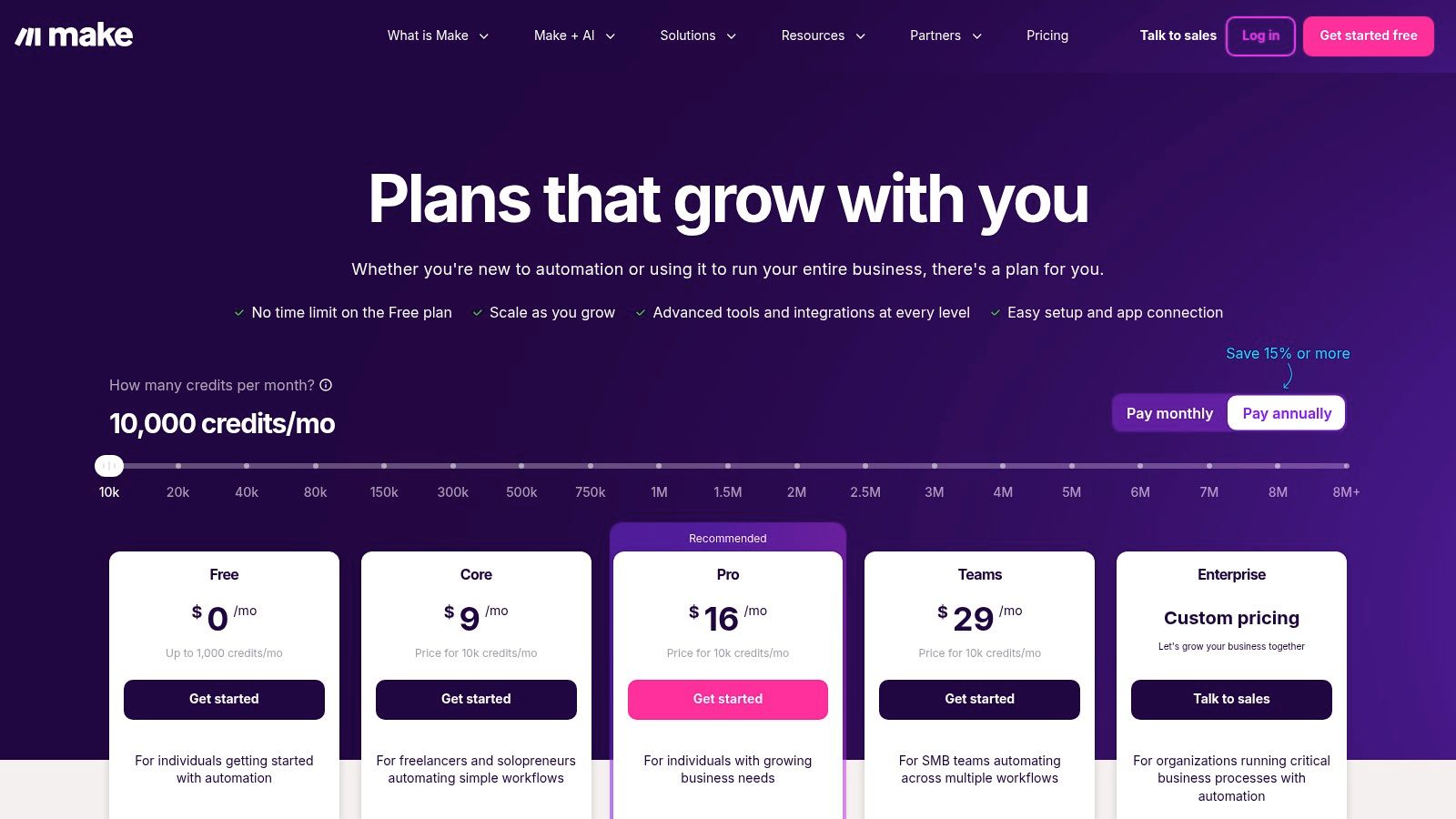
The platform’s “operations-based” pricing model is a key differentiator, where you pay for the number of individual steps executed rather than entire workflow runs. This can be significantly more cost-effective for automations that involve many simple steps. With over 3,000 app connections and advanced features like minute-based scheduling and AI utilities, Make empowers technical and non-technical users to design sophisticated systems that can handle complex data manipulation and routing with precision.
Key Details & Use Cases
- Best For: Freelancers, agencies, and operations teams that require complex logic, conditional paths, and fine-grained control over their automation scenarios.
- Pricing: A generous free tier is available. Paid plans start at a competitive $9/month (billed annually) and scale based on the number of operations and data transfer limits.
- Recommended Workflow: When a new lead is added to a Google Sheet, use a router to check the “Lead Source” column. If it’s “Website,” create a contact in HubSpot and add them to a “Nurture” sequence. If it’s “Referral,” create a task in Asana for a sales rep to follow up personally.
While Make’s visual interface is powerful, it has a steeper learning curve than simpler trigger/action tools, and understanding the operations-based credit system can take some adjustment. However, for those willing to invest the time, it offers a level of flexibility and cost-efficiency at scale that is hard to match.
Website: https://www.make.com/en/pricing
4. Microsoft Power Automate
For organizations deeply embedded in the Microsoft ecosystem, Power Automate is a natural and powerful choice. It leverages native integrations with Office 365, SharePoint, Teams, and Dynamics 365 to automate processes within the tools businesses already use daily. The platform combines cloud-based digital process automation (DPA) with robust desktop-based robotic process automation (RPA), making it a comprehensive solution for both API-driven and UI-based tasks. This dual capability makes it one of the best workflow automation software options for enterprises seeking to unify their automation strategy.
Power Automate excels at enterprise-grade governance, security, and compliance, benefiting from the broader Microsoft Azure infrastructure. It offers advanced features like AI Builder for incorporating intelligence into flows and Process Advisor for discovering and analyzing automation opportunities. The visual editor is accessible, but its real power is unlocked when connected to the Microsoft Dataverse, creating a centralized data backbone for complex, business-critical workflows that go beyond simple trigger-action sequences.
Key Details & Use Cases
- Best For: Medium to large enterprises heavily invested in the Microsoft 365 and Azure ecosystems who require strong governance and a mix of cloud and desktop automation.
- Pricing: Licensing can be complex, often bundled with Microsoft 365 or Dynamics 365 plans. Standalone per-user plans start at $15/month, with per-flow and RPA add-ons available.
- Recommended Workflow: When a new file is uploaded to a specific SharePoint folder, trigger an approval request in Microsoft Teams. Once approved, automatically convert the document to PDF, save it to a final archive folder in OneDrive, and send an email confirmation to the original uploader via Outlook.
While the deep integration with Microsoft products is a major strength, its reliance on premium licenses for many non-Microsoft connectors can increase costs. The intricate licensing models can also be challenging for smaller teams to navigate. For those exploring different enterprise-grade solutions, you can find a breakdown of top Power Automate alternatives.
Website: https://www.microsoft.com/en/power-platform/products/power-automate/pricing
5. n8n
n8n is a powerful, source-available workflow automation tool that carves out a unique niche by offering both a cloud-hosted and a self-hosted option. Its primary strength lies in its developer-friendly, node-based visual editor, which provides deep customization for complex, multi-path workflows. This flexibility, combined with a pricing model based on executions rather than individual steps, makes it one of the best workflow automation software choices for technical users, startups, and anyone seeking maximum control and cost-effectiveness at scale.
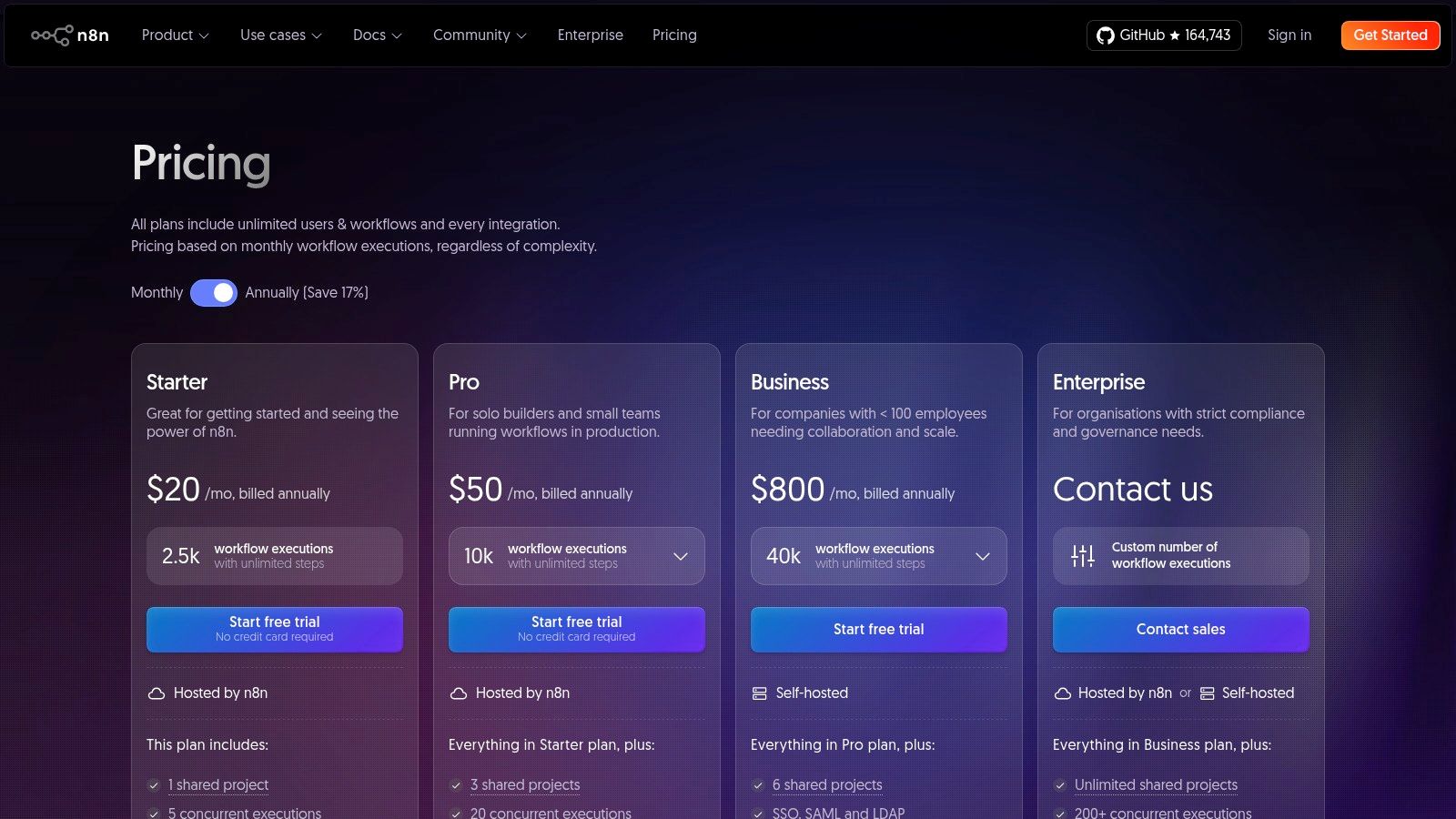
The platform empowers users to build sophisticated automations that go beyond simple linear sequences, allowing for branching logic, data transformation, and custom code execution. Unlike many competitors, n8n includes unlimited workflows and users across all its plans, making it highly scalable for growing teams. The ability to self-host on your own infrastructure offers complete data control and can significantly reduce operational costs, a major advantage for privacy-conscious or budget-constrained organizations.
Key Details & Use Cases
- Best For: Technical teams, developers, and startups who need a flexible, cost-effective automation platform with the option to self-host for data privacy and control.
- Pricing: Offers a free self-hosted “Community” plan. Paid cloud plans start at €20/month, scaling based on the number of workflow executions.
- Recommended Workflow: Automate a customer onboarding process. When a new user signs up (trigger from your database), create a new customer record in your CRM, add them to a specific email sequence in Mailchimp, and post a celebratory “New Customer!” notification to a private Slack channel with key user details.
While n8n is incredibly powerful, the self-hosted version requires technical expertise for setup and ongoing maintenance. Its node-based interface can also present a steeper learning curve for non-technical users compared to simpler trigger-action platforms. However, for those willing to navigate its technical depth, n8n provides an unparalleled level of customization and value.
Website: https://n8n.io/pricing/
6. Workato
Workato is a leader in the enterprise automation and iPaaS (Integration Platform as a Service) space, designed for organizations requiring robust, secure, and highly scalable integrations. It goes beyond simple task automation by providing a unified platform to integrate applications, data, and business processes across the entire organization. This makes it one of the best workflow automation software choices for mid-market and enterprise teams that need to orchestrate complex, mission-critical operations with strict governance.
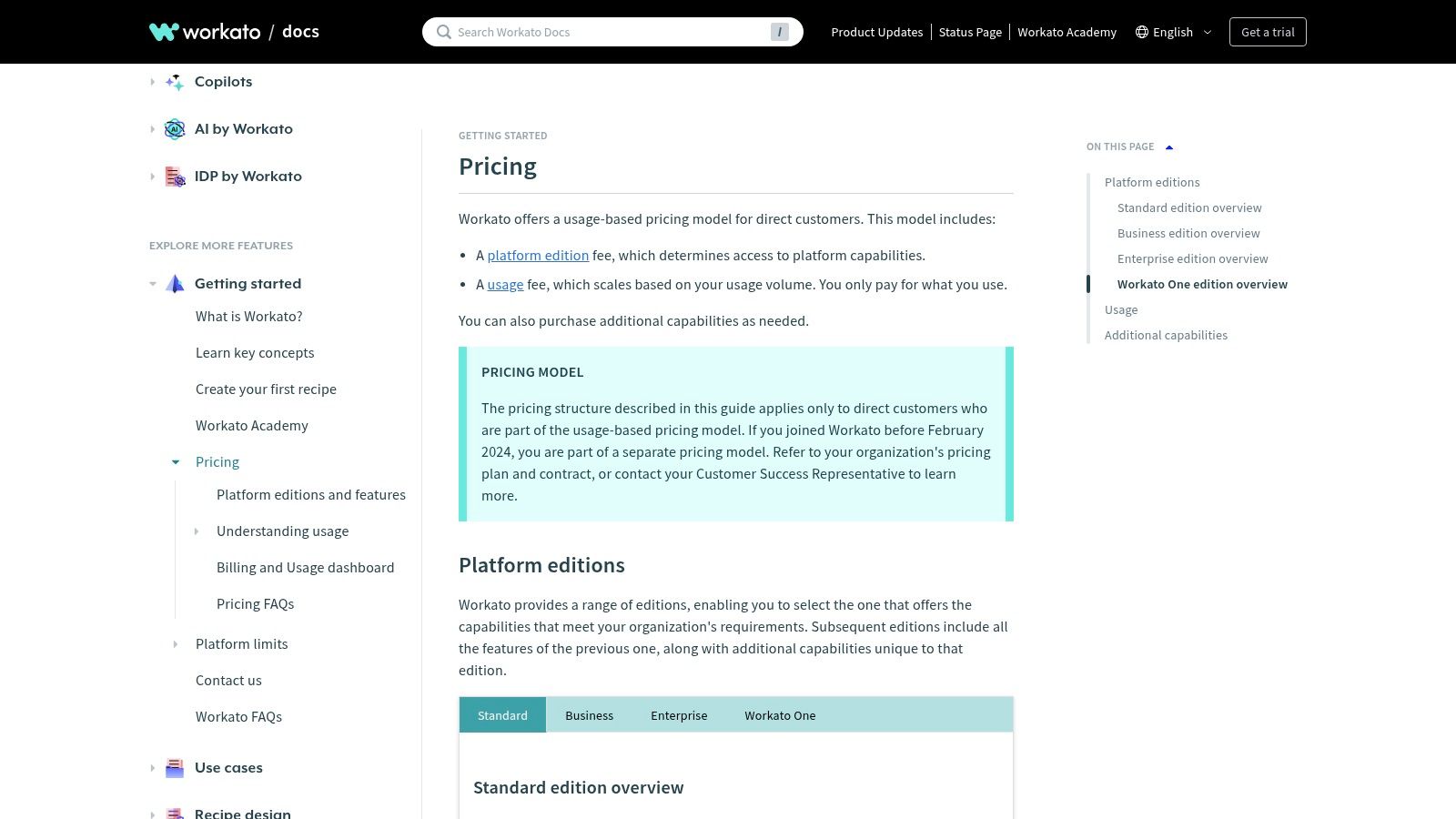
The platform is built around “recipes,” which are the automated workflows that connect triggers and actions. Workato’s strength lies in its extensive library of connectors, enterprise-grade security features, and powerful lifecycle management capabilities. This allows IT departments to manage automations effectively, ensuring compliance and control while empowering business teams to build their own integrations. It is a powerful tool for breaking down data silos and connecting systems like ERPs, CRMs, and HRIS platforms.
Key Details & Use Cases
- Best For: Mid-market and enterprise companies needing powerful, governed automation with extensive security and control features.
- Pricing: Pricing is not publicly listed and requires contacting their sales team. The model is usage-based and depends on the number of recipes and connections, with multiple platform editions available.
- Recommended Workflow: Automate the entire employee onboarding process. When a new hire is marked as “Hired” in an HRIS like Workday, automatically provision their accounts in Okta, create their profile in Slack, add them to a Trello onboarding board, and schedule their first-week orientation meetings in Google Calendar.
While Workato offers unparalleled power and control for large-scale operations, its complexity and pricing structure make it overkill for individuals or small teams with simpler needs. The requirement to engage with a sales team for pricing can also be a barrier for those looking for a quick, self-service solution.
Website: https://docs.workato.com/pricing/
7. Tray.io (Tray.ai)
Tray.io is an enterprise-grade integration platform (iPaaS) that has powerfully pivoted into the AI space with its Tray.ai offering. It is designed for technical teams who require both sophisticated, traditional workflow automation and the ability to build, govern, and deploy custom AI agents. The platform’s standout feature is Merlin AI, an agent builder that allows users to create AI-driven automations with enterprise-level guardrails, audit logs, and persistent memory.
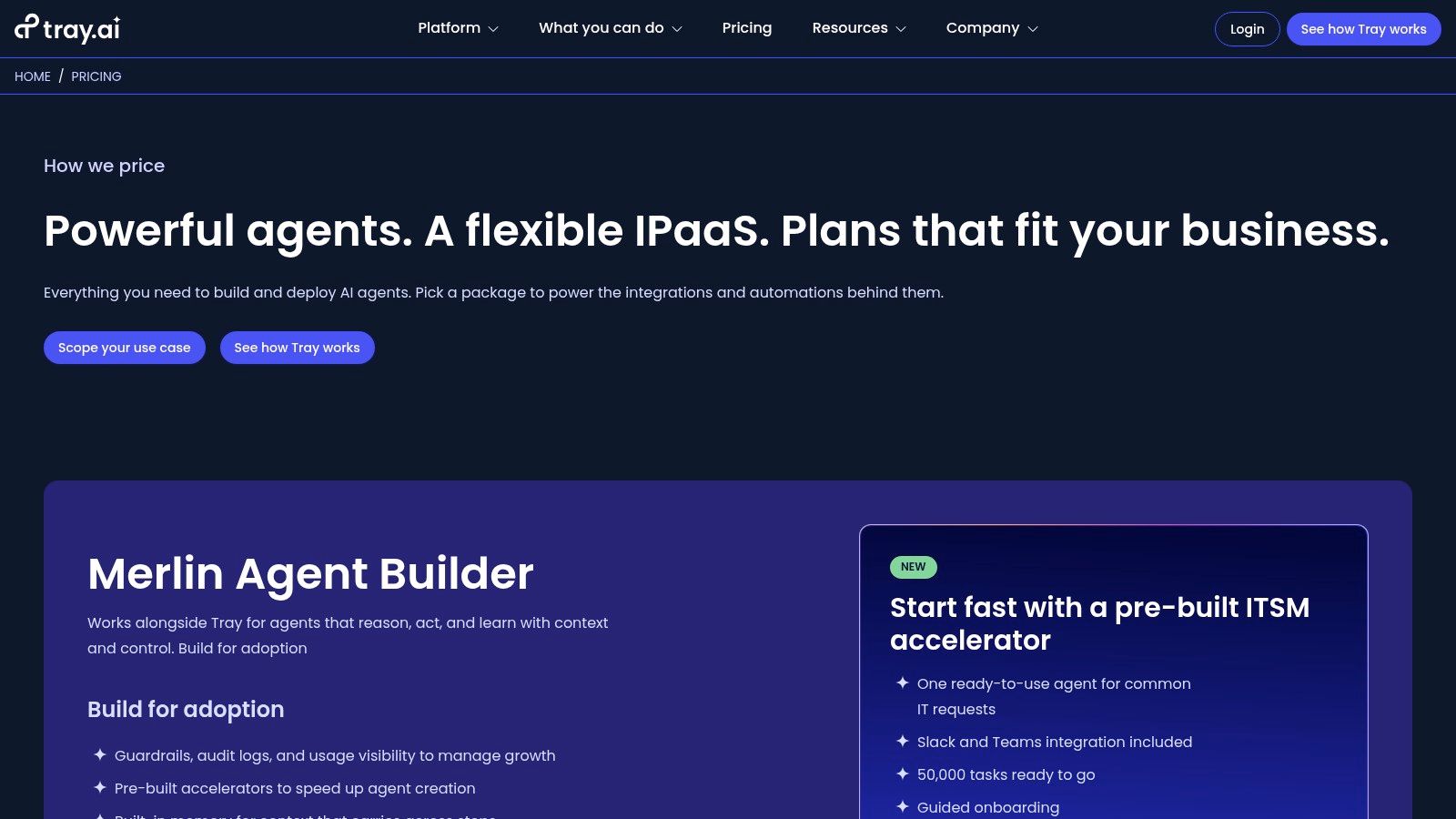
Unlike simpler tools, Tray.ai enables teams to choose from multiple LLMs and launch their custom agents directly into Slack, on the web, or via API endpoints. This positions it as one of the best workflow automation software choices for organizations looking to scale AI-powered processes securely. Its prebuilt accelerator packages, such as those for ITSM, provide a clear path to value for specific business functions, blending the power of a traditional iPaaS with cutting-edge AI capabilities.
Key Details & Use Cases
- Best For: Enterprise IT, data, and operations teams needing a scalable platform for both complex integrations and governed AI agent creation.
- Pricing: Pricing is not publicly listed and requires a sales consultation. It is structured for enterprise and team-level deployments rather than individual users.
- Recommended Workflow: Build a custom Merlin AI agent to handle Tier 1 IT support requests in Slack. The agent can access a knowledge base to answer common questions, create a Jira ticket for unresolved issues, and escalate complex problems to a human agent, all while logging every interaction for audit purposes.
The platform’s focus on governance makes it a strong contender for regulated industries or large companies where security and control are paramount. However, its sales-led model and enterprise positioning mean it is not a suitable or accessible choice for freelancers or small businesses seeking a simple, self-serve automation tool.
Website: https://tray.ai/pricing
8. Pipedream
Pipedream uniquely bridges the gap between no-code simplicity and developer-first functionality. It’s designed for teams who need more than what typical trigger-action platforms offer, allowing users to inject custom code snippets (JavaScript, Python, or Go) directly into their workflows alongside pre-built app integrations. This hybrid approach makes it one of the best workflow automation software choices for technical teams or those who want to automate highly custom or complex processes without being constrained by a purely visual interface.
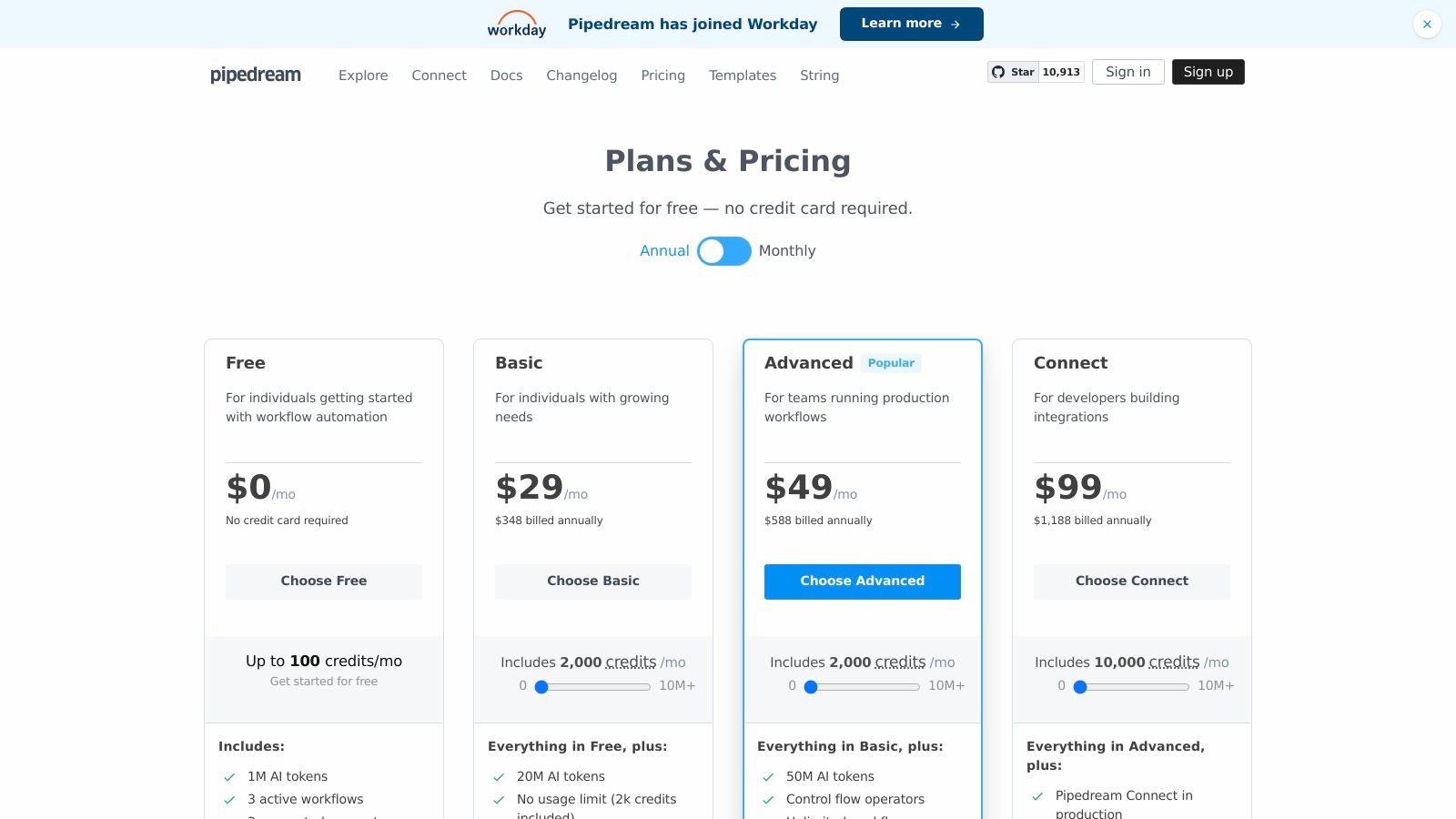
The platform’s real power lies in its flexibility. You can start with a simple no-code trigger from one of its 3,000+ integrated apps, then add a custom code step to transform data, interact with a private API, or perform complex calculations before passing the result to the next action. Features like GitHub sync also appeal directly to developers, allowing for version control and collaborative workflow development. Its generous free tier and credits-based usage model provide a low-risk entry point for experimentation.
Key Details & Use Cases
- Best For: Developers, technical teams, and businesses that need to blend no-code app connectors with custom code for advanced data manipulation or API interactions.
- Pricing: A robust free tier is available. Paid plans start at $29/month, offering more credits, AI tokens, and premium app access.
- Recommended Workflow: Trigger a workflow from a new GitHub issue. Use a custom Python script to query an internal database for relevant customer information based on the issue reporter’s username. Then, post a summary of the issue and the customer data into a dedicated Slack channel for the engineering team.
While Pipedream’s code-centric features are a major advantage for some, they can introduce a steeper learning curve for non-technical users. The credit and token-based pricing system is also more complex to manage than a simple task-based model, requiring users to estimate consumption more carefully.
Website: https://pipedream.com/pricing
9. Parabola
Parabola carves out a unique niche by focusing on data-heavy operational workflows. Instead of simple “if this, then that” triggers, it provides a visual, drag-and-drop canvas for building complex data pipelines. Users can pull data from various sources like APIs, databases, or even messy CSVs and PDFs, then clean, merge, enrich, and transform it before pushing it to its final destination. This makes it one of the best workflow automation software choices for e-commerce, operations, and analytics teams that frequently deal with spreadsheet-based processes.
The platform operates on a scheduled or manual run basis, positioning it as an ETL (Extract, Transform, Load) tool for non-engineers. Its visual interface clearly shows the flow of data through each step, from filtering rows and joining tables to calculating new columns. Features like Parabola Tables provide a built-in data store, and recent AI-assisted steps help accelerate the process of building and debugging complex data transformations. This focus on data manipulation is what sets it apart from more generalized, trigger-based platforms.
Key Details & Use Cases
- Best For: Operations, e-commerce, and finance teams needing to automate repetitive data tasks like inventory management, sales reporting, or customer data syncing.
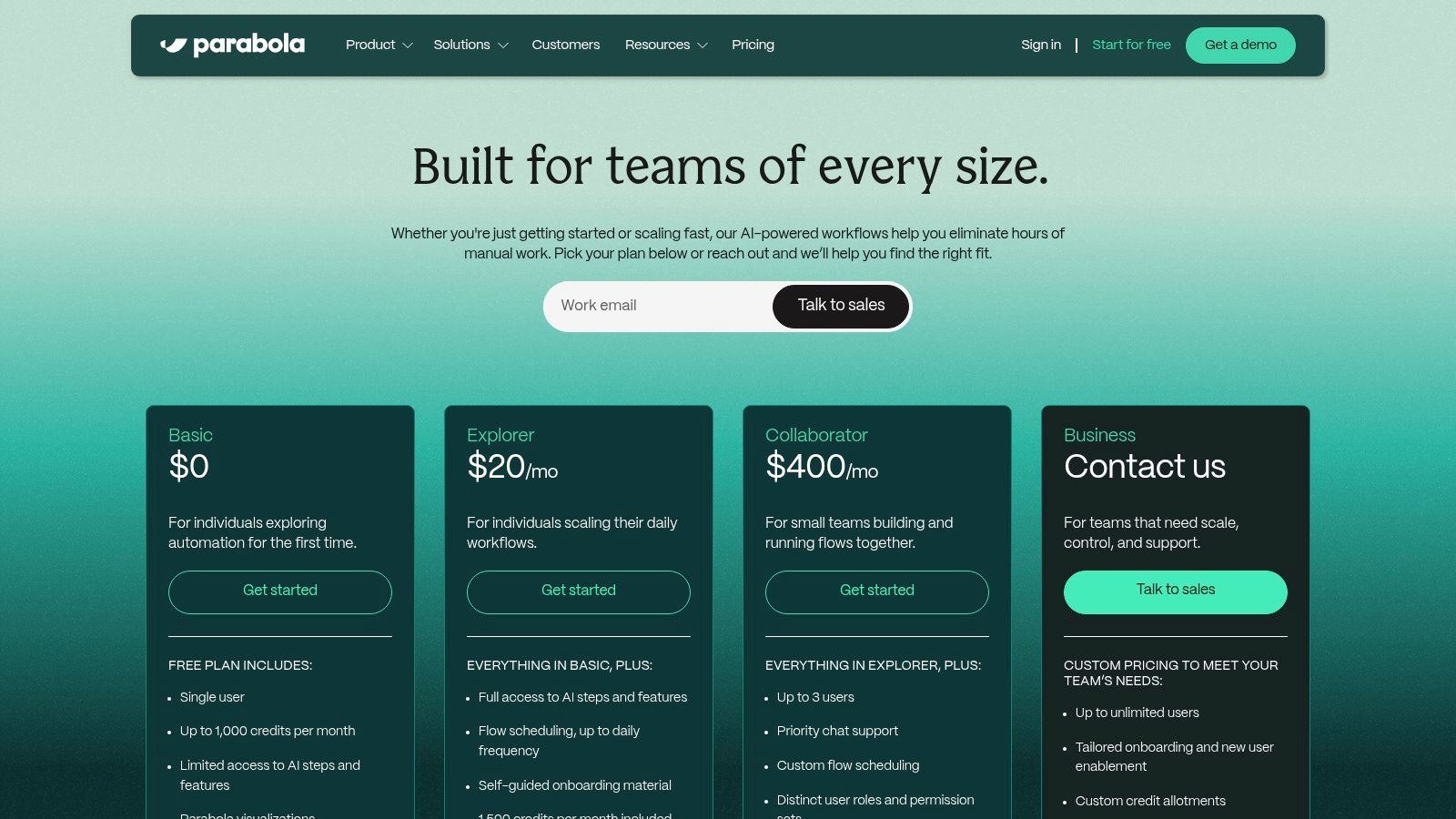
- Pricing: Offers a free tier for individuals. Paid plans start at $80/month (billed annually) based on a credit system for flow runs.
- Recommended Workflow: Automatically pull daily sales data from Shopify, merge it with inventory levels from a Google Sheet, calculate profit margins for each SKU, and then push the final, clean report into a specific Slack channel for the operations team every morning.
While Parabola is powerful for scheduled, batch-processing of data, it is less suited for real-time, event-driven automations like instantly responding to a new form submission. Additionally, the pricing jump from individual to team plans can be significant, making it a more considered investment for larger teams needing collaboration features.
Website: https://parabola.io/pricing
10. Kissflow
Kissflow positions itself as a comprehensive low-code/no-code work platform designed for organizations looking to digitize processes at a larger scale. It goes beyond simple task automation by providing tools to build custom applications, manage projects, and orchestrate complex, multi-departmental workflows. This makes it a strong contender for the best workflow automation software for enterprises needing robust governance and control. Its focus on enterprise-grade features like SSO/SCIM, advanced analytics, and SLA management sets it apart from tools aimed at individuals or small teams.
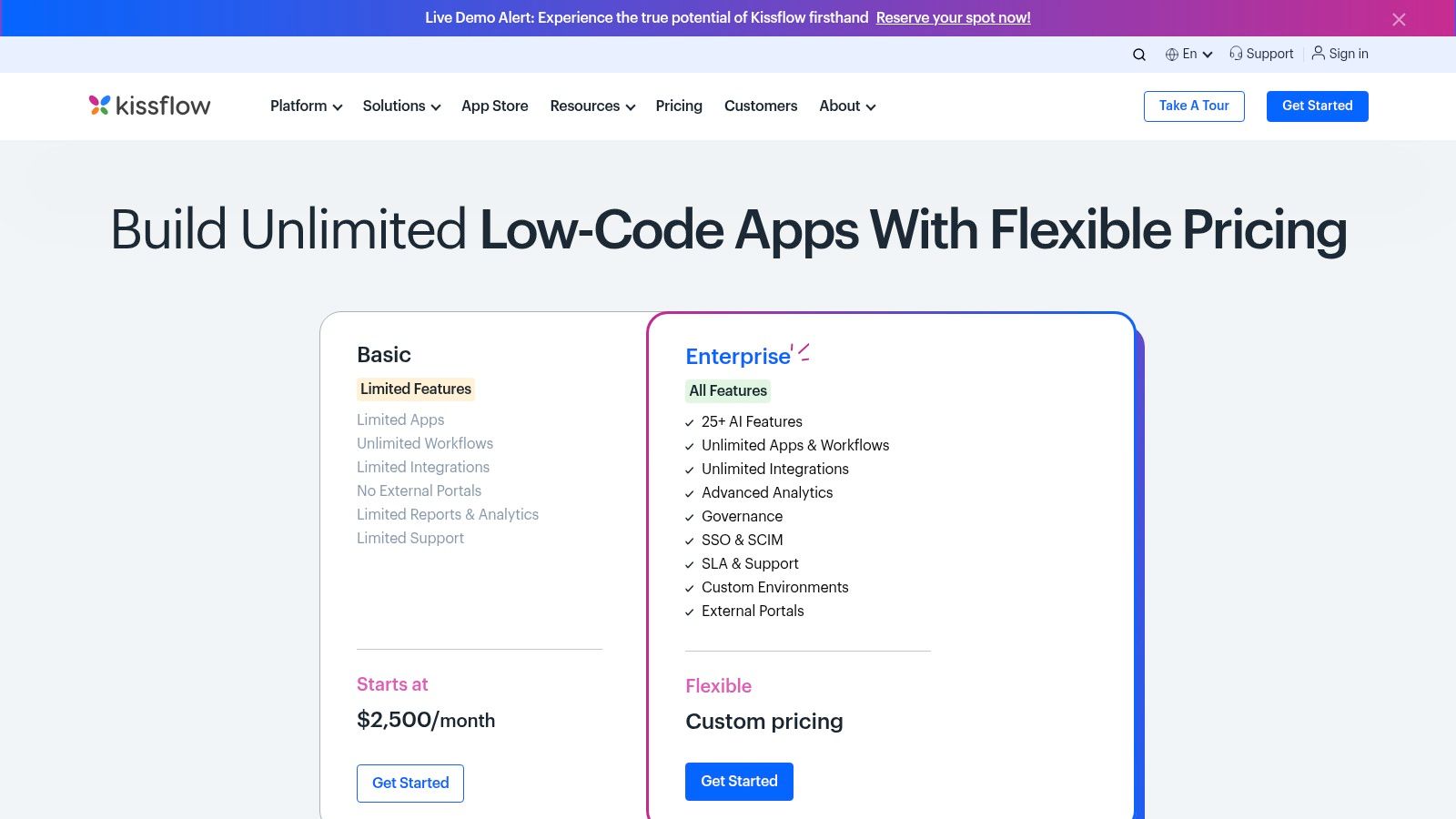
The platform empowers business users to become citizen developers, creating solutions for everything from employee onboarding and procurement approval to IT incident management. With features like external portals and a suite of over 25 AI capabilities, Kissflow allows businesses to build sophisticated systems that connect internal operations with external partners or customers. The ability to create unlimited apps and workflows on its enterprise plans makes it a scalable solution for companies committed to broad process digitization.
Key Details & Use Cases
- Best For: Mid-market and enterprise companies seeking a unified platform for process automation, application development, and workflow management with strong governance.
- Pricing: Custom pricing is standard and typically requires a sales conversation. Plans are structured to support large-scale deployment rather than individual or small team use.
- Recommended Workflow: Design a multi-stage procurement process where a purchase request is submitted via a custom form, routed to a department head for approval, then sent to finance for budget verification, and finally generates a purchase order, all with a complete audit trail.
However, Kissflow’s enterprise focus means its entry pricing is significantly higher than SMB-focused automation tools, making it inaccessible for smaller businesses or freelancers. The complexity and breadth of its features can also present a steeper learning curve compared to more straightforward, trigger-based platforms. It’s best suited for organizations with a clear, top-down strategy for digital transformation.
Website: https://kissflow.com/pricing/
11. Pipefy
Pipefy excels by combining process management with no-code automation, presenting workflows as visual pipelines similar to a Kanban board. This makes it an intuitive platform for teams that manage multi-stage processes like employee onboarding, customer support tickets, or content production. Instead of just connecting apps, Pipefy helps structure the entire flow from start to finish, making it one of the best workflow automation software choices for process-driven teams.
The platform is built around customizable forms, conditional logic, and clear stage-to-stage progression. Users can define rules to automatically move cards, assign tasks, or send notifications as items progress through the pipeline. While its automation capabilities are more focused on internal process steps than on broad external app integrations, it provides a powerful, centralized hub for managing and standardizing team operations without extensive technical knowledge.
Key Details & Use Cases
- Best For: Operations, HR, and finance teams that need to standardize and automate structured, multi-step internal processes.
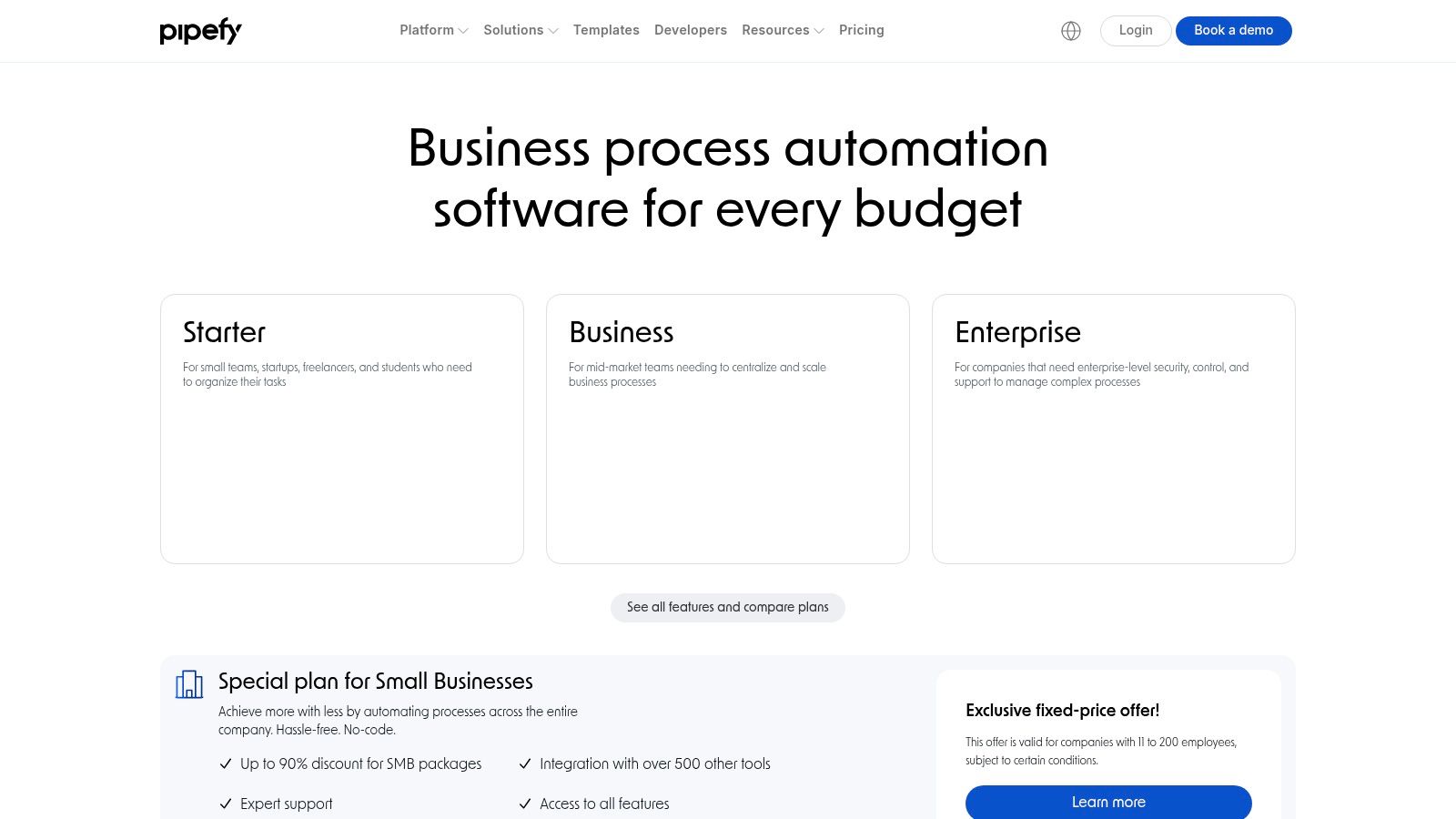
- Pricing: A generous free plan is available for small teams (up to 10 users). Paid plans like Business and Enterprise add advanced features like AI, API access, and enhanced security, but require contacting sales for a quote.
- Recommended Workflow: Create a “New Employee Onboarding” pipeline. When HR fills out the initial “New Hire” form, Pipefy automatically creates and assigns tasks to IT for equipment setup, to managers for training schedules, and sends a welcome email to the new employee.
While the free tier is a great starting point, a key limitation is that more powerful automations and essential integrations are gated behind the higher-tier plans. This means scaling teams will likely need to engage with the sales team to unlock the platform’s full potential.
Website: https://www.pipefy.com/pricing/
12. G2 (Workflow Management category)
While not a direct automation tool itself, G2’s Workflow Management category is an indispensable resource for evaluating the market. It serves as a comprehensive software marketplace, aggregating verified peer reviews, detailed rankings, and dynamic comparison grids. For anyone tasked with selecting the best workflow automation software, G2 provides the social proof and real-world data needed to move from a long list of options to a qualified shortlist.
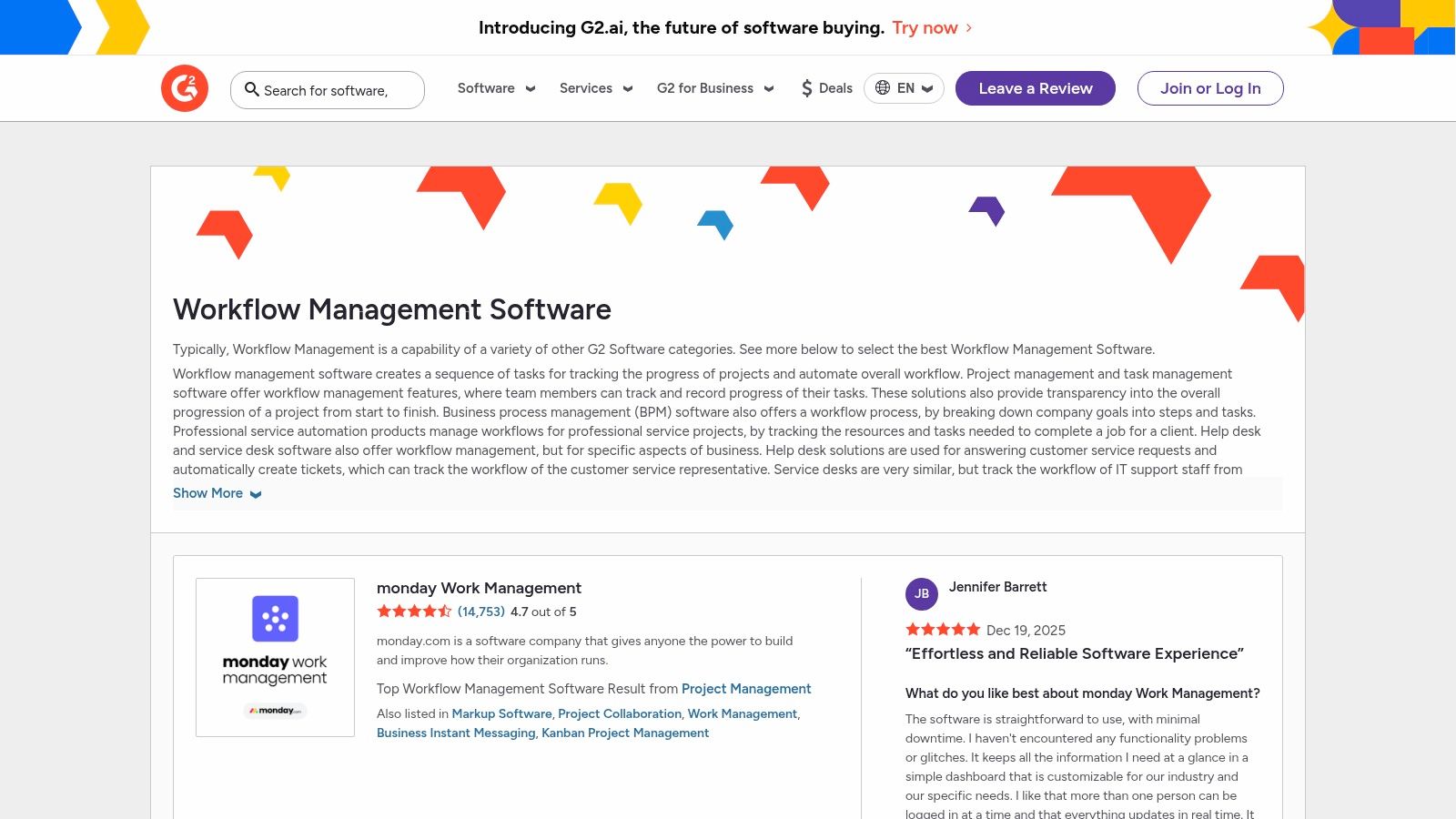
The platform allows users to apply filters for company size, industry, specific features, and user satisfaction ratings, making it easy to find tools tailored to your exact needs. You can directly compare platforms side-by-side, read recent reviews from users in similar roles, and often click through to vendor websites for trials or demos. This research-first approach helps teams make more informed purchasing decisions and discover niche tools they might have otherwise missed.
Key Details & Use Cases
- Best For: Teams in the evaluation phase, IT managers, and operations leaders responsible for researching and purchasing new software.
- Pricing: Free to browse and use for research. Vendors pay for enhanced profiles and lead generation features.
- Recommended Workflow: Use G2 to create a shortlist of 3-5 top-rated workflow automation platforms that meet your core feature requirements and budget. Read the 10 most recent reviews for each to identify common pros and cons, then use the direct links to sign up for trials and conduct your own hands-on evaluation.
Keep in mind that sponsored placements can affect which vendors appear at the top of category pages, so it’s wise to sort by “G2 Score” or “Highest Rated” for a more objective view. Additionally, recent product updates may not be fully reflected in older reviews. Despite this, G2 remains a crucial starting point for any serious software selection process.
Website: https://www.g2.com/software/workflow-management
Top 12 Workflow Automation Tools Comparison
| Product | Core features | UX / Quality | Price & Value | Target audience | Unique strengths |
|---|---|---|---|---|---|
| Sagekit 🏆 | Natural‑language → end‑to‑end automations; 1‑click logins; built‑in LLMs, web scraping, cross‑app actions | ★★★★☆ · 2‑min setup · human‑in‑loop · secure controls | 💰 Free · Pro $19/mo · Growth (teams) · transparent | 👥 Freelancers, small teams, sales & ops, founders | ✨ Chat/voice → real actions; ready templates; action‑first automations |
| Zapier | Visual multi‑step Zaps; Tables & Interfaces; huge app catalog | ★★★★☆ · fast prototyping | 💰 Free limited · paid tiers · task‑based billing | 👥 Individuals → SMBs | ✨ Massive integrations; very user‑friendly |
| Make (Integromat) | Visual scenario builder; routers/filters; 3k+ apps | ★★★★☆ · granular control; steeper learning | 💰 Competitive entry · credit‑based usage | 👥 Freelancers, SMEs, technical ops | ✨ Fine‑grained branching & conditional logic |
| Microsoft Power Automate | Cloud flows + desktop RPA; MS365 & Dataverse integration | ★★★★☆ · enterprise security & compliance | 💰 License complexity · per‑user/flow tiers | 👥 Enterprises invested in Microsoft stack | ✨ Deep MS365/Teams/SharePoint integration; RPA |
| n8n | Open‑source with self‑host option; custom nodes; executions pricing | ★★★★☆ · developer‑friendly; unlimited users | 💰 Cloud + self‑host (cost‑effective at scale) | 👥 Dev teams, startups, cost‑conscious orgs | ✨ Self‑hosting, full customization, execution pricing |
| Workato | Enterprise iPaaS; recipes, governance, lifecycle controls | ★★★★☆ · scalable, secure | 💰 Contact sales · usage‑based | 👥 Mid‑market & enterprise | ✨ Strong governance & enterprise controls |
| Tray.io (Tray.ai) | iPaaS + AI agent builder; multi‑LLM; audit & guardrails | ★★★★☆ · enterprise‑grade | 💰 Sales‑led pricing | 👥 Enterprise IT & data teams | ✨ AI agent builder with launch to Slack/web/API |
| Pipedream | Code + no‑code steps (JS/Python/Go); Git sync; AI tokens | ★★★★☆ · dev‑friendly | 💰 Generous free tier · credits & AI tokens | 👥 Developers & engineering teams | ✨ Mix code + low‑code; strong for custom logic |
| Parabola | Visual ETL flows; tables; scheduling; data transforms | ★★★☆☆ · focused on data ops | 💰 Tiered plans · credit usage | 👥 E‑commerce, ops, analytics teams | ✨ Spreadsheet/CSV/PDF → system ETL workflows |
| Kissflow | Low‑code app builder; governance; analytics; SSO/SCIM | ★★★☆☆ · enterprise controls | 💰 Higher entry · sales‑led | 👥 Large orgs digitizing processes | ✨ Governance, SLA, external portals |
| Pipefy | Visual pipelines; templates; conditional logic; API | ★★★☆☆ · simple pipelines | 💰 Free (small) · Business/Enterprise paid | 👥 SMBs, ops/process teams | ✨ Templates + role‑based access & training |
| G2 (Workflow category) | Filterable comparisons; verified reviews; category grids | ★★★★☆ · peer insights | 💰 Free to use | 👥 Buyers researching vendors | ✨ Real‑user reviews, shortlisting & vendor links |
Choosing Your Automation Partner: The Final Step
Navigating the landscape of workflow automation tools can feel overwhelming, but the journey from manual repetition to streamlined efficiency is well worth the effort. We’ve explored a wide range of platforms, from the visual, user-friendly interfaces of Zapier and Make to the powerful, developer-centric environments of Pipedream and Tray.io. Each tool offers a unique philosophy and feature set, underscoring a critical truth: the best workflow automation software isn’t a one-size-fits-all solution, but rather the one that aligns perfectly with your specific operational DNA.
The core takeaway is that your choice should be driven by context, not just capability. A freelancer might find the straightforward, app-centric approach of Sagekit ideal for managing client onboarding and invoicing. In contrast, a large enterprise operations team might require the robust, API-first architecture of Workato to orchestrate complex, multi-departmental processes. The key is to look beyond the marketing claims and focus on the practical application within your daily tasks.
Synthesizing Your Decision: From List to Launchpad
To move forward, distill your needs into a clear set of criteria. Don’t get lost in an endless sea of features you might never use. Instead, focus on the immediate problems you need to solve and the long-term flexibility you require.
Here’s a simplified framework to guide your final selection:
- Identify Your Core Use Case: Are you automating sales lead follow-ups, internal IT support tickets, or personal productivity tasks? The nature of the workflow dictates the necessary integrations and logic capabilities. For instance, sales teams need deep CRM connectivity, while operations teams might prioritize database and ticketing system integrations.
- Assess Your Technical Comfort Level: Be honest about your team’s skills. Platforms like Sagekit and Zapier are built for non-technical users, offering guided setups and clear visual interfaces. Conversely, tools like n8n and Pipedream provide immense power and customization but demand a foundational understanding of APIs, data structures, and sometimes, code.
- Calculate Your True Cost of Ownership: Look beyond the monthly subscription fee. Consider the cost of implementation, the time your team will spend learning and maintaining the platform, and the potential cost of hitting usage limits. A cheaper plan with restrictive task limits can quickly become more expensive than a higher-tier plan that accommodates your volume from the start.
- Plan for Scalability: The automation you build today should support your growth tomorrow. Will you need to add more complex logic, connect to custom internal tools, or handle a tenfold increase in task volume in the next year? Choose a platform that offers a clear path to scale, whether through higher-tier plans or more advanced developer features.
Implementation: The First 90 Days
Once you’ve made your choice, the real work begins. Successful implementation isn’t just about flicking a switch; it’s about thoughtful integration into your existing processes.
- Start Small, Win Big: Resist the urge to automate everything at once. Identify one or two high-impact, low-complexity workflows. A successful first project builds momentum and demonstrates immediate value, making it easier to get buy-in for more ambitious automation down the line.
- Document Everything: Create a simple record of what each automation does, which apps it connects, and who is responsible for maintaining it. This “automation inventory” is invaluable for troubleshooting, onboarding new team members, and avoiding redundant or conflicting workflows.
- Embrace the Learning Curve: No tool is perfectly intuitive for every user. Allocate time for training and experimentation. Encourage your team to explore the platform’s template library and help documentation. The initial time investment will pay dividends in the form of more sophisticated and reliable automations.
Ultimately, adopting workflow automation is a strategic investment in your most valuable resource: your time. By offloading the mundane, you unlock the potential for creativity, strategic thinking, and meaningful work. The right tool will feel less like a piece of software and more like a dependable partner, working tirelessly in the background to make your business run smoother and your life a little easier.
Ready to reclaim your time with an automation tool designed for clarity and simplicity? Sagekit provides a straightforward, no-code platform perfect for freelancers and small teams who want to automate their client workflows, administrative tasks, and daily routines without a steep learning curve. Get started with a platform that prioritizes ease-of-use and tangible results by visiting Sagekit today.