
12 Best AI Workflow Automation Tools for 2025
Are you spending your day on repetitive tasks? Think about the hours lost to manual data entry, compiling routine reports, or shuffling information between different applications. These small, tedious actions accumulate, pulling focus away from strategic work that truly drives results. For years, automation meant rigid, rule-based systems: “if this happens, then do that.” While useful, these systems break down when faced with ambiguity or unstructured data like customer emails and internal documents.
This is where the new generation of ai workflow automation tools changes everything. They move beyond simple triggers and actions, introducing a layer of intelligence that can understand context, summarize information, generate content, and make decisions. These aren’t just tools for developers anymore. With features like natural-language builders and intuitive visual interfaces, anyone can design and deploy sophisticated automations to handle complex processes. Many of these platforms build upon the foundation of user-friendly design seen in the top no-code automation tools for easy workflows, making advanced capabilities accessible to non-technical users.
This guide is designed to help you find the right tool for your specific needs. We’ve curated the top 12 platforms, diving deep into what makes each one unique. For every tool, you’ll find a detailed analysis of its key features, ideal use cases, security considerations, and transparent pricing information. We provide actionable guidance and real-world examples, complete with screenshots and direct links, to show you precisely how you can start reclaiming hours from your week. Consider this your practical roadmap to transforming your productivity with intelligent automation.
1. Zapier
Zapier is arguably the most recognized name in no-code workflow automation, acting as the digital glue connecting over 6,000 SaaS applications. While its core strength has always been its vast library of integrations and intuitive, trigger-action “Zap” builder, it has aggressively integrated AI to become a formidable contender among ai workflow automation tools. The platform now allows users to inject AI directly into their existing workflows, making advanced automation accessible without writing a single line of code.
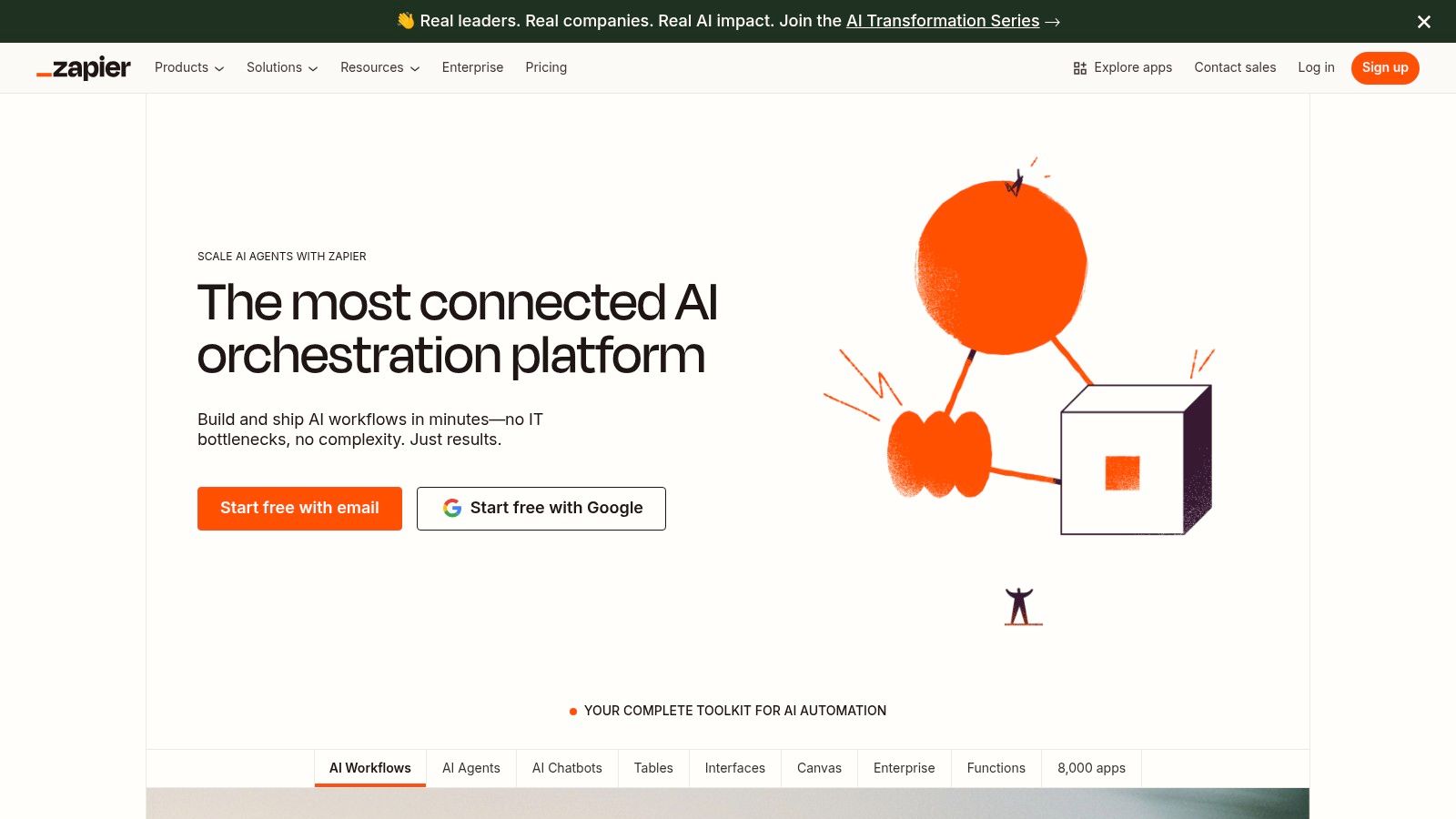
Zapier’s AI suite includes features like AI Steps, which can summarize text, categorize leads, or draft email responses within a workflow. Its AI Copilot helps users build Zaps using natural language commands, drastically lowering the learning curve. For more advanced use cases, the beta “Zapier Agents” feature allows you to create AI-powered teammates that can perform tasks across multiple apps based on a simple prompt, like researching a prospect and drafting a personalized outreach email.
Core Features & Use Cases
- Best For: Teams heavily invested in the SaaS ecosystem needing to quickly connect apps and inject AI into linear, task-based workflows. It’s ideal for automating marketing funnels, sales lead processing, and customer support ticket routing.
- Key Features: Over 6,000 app connectors, multi-step Zaps, built-in AI tools (Copilot, Prompt Steps), and beta access to Zapier Agents for autonomous task execution.
- Practical Tip: Start with the vast template library. Find a pre-built Zap that’s close to your goal and customize it with an AI Step to see an immediate impact. For example, add a “Summarize Text” step after a Typeform submission to get a quick summary sent to your Slack channel.
- Limitations: The cost can escalate quickly with high task volumes, making it less suitable for enterprise-scale or data-intensive operations compared to self-hosted solutions. If you find the pricing model restrictive, there are many powerful alternatives to Zapier to explore.
Pricing Structure
Zapier offers a tiered pricing model based on the number of tasks your automations run per month.
- Free: Up to 100 tasks/month with single-step Zaps.
- Starter: Starts at $19.99/month (billed annually) for 750 tasks and multi-step Zaps.
- Professional: Starts at $49/month (billed annually) for 2,000 tasks and access to premium apps and advanced features.
- Team: Starts at $69/month (billed annually) with more tasks and collaboration features.
Website: https://zapier.com
2. Make
Make (formerly Integromat) stands out in the automation space with its powerful, visual-first scenario builder. Instead of linear workflows, Make allows users to build complex, multi-path automations with an intuitive drag-and-drop interface. This visual approach, combined with its recent infusion of AI capabilities, positions it as one of the most flexible ai workflow automation tools for those who need granular control over their processes.
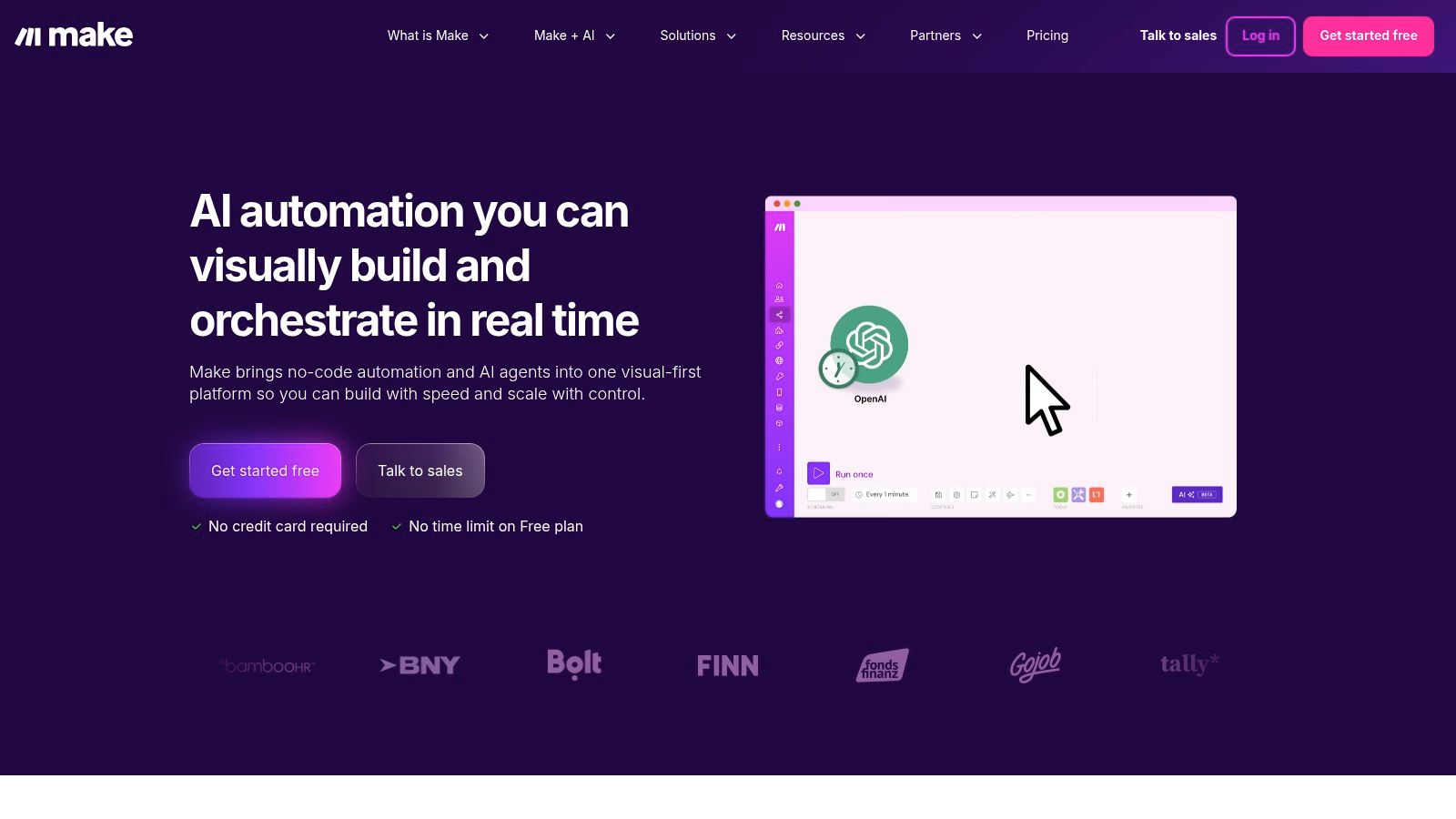
The platform integrates AI through its dedicated AI Toolkit, allowing users to connect to models from OpenAI, Anthropic, and others directly within a scenario. Features like the AI Content Extractor can parse unstructured data from emails or documents, while the beta AI Agents feature hints at more autonomous, goal-driven capabilities. This visual workflow approach provides unparalleled transparency, letting you see exactly how data and AI operations flow from one module to the next. The extensive Make integration capabilities further enhance its utility, connecting a wide array of applications.
Core Features & Use Cases
- Best For: Tech-savvy teams and individuals who need to build complex, non-linear workflows with advanced logic, routing, and error handling. It’s excellent for data transformation, API-driven processes, and intricate marketing automation.
- Key Features: Visual drag-and-drop scenario builder, over 3,000 app modules, AI Toolkit for model integration, custom app SDK, and a transparent, credit-based usage model.
- Practical Tip: Use the “Router” module to create conditional paths in your workflow. For example, after an AI categorizes a new lead, a router can send “hot” leads to your CRM, “warm” leads to a nurturing sequence, and “cold” leads to a separate list, all within one visual scenario.
- Limitations: The credit-based model, while transparent, requires careful planning for high-volume or data-heavy workloads to manage costs effectively. Some advanced features, like running custom code, are gated behind higher-tier plans.
Pricing Structure
Make’s pricing is based on the number of “operations” (similar to tasks) used per month.
- Free: Up to 1,000 operations/month.
- Core: Starts at $9/month (billed annually) for 10,000 operations.
- Pro: Starts at $16/month (billed annually) for 10,000 operations and more advanced features.
- Teams: Starts at $29/month (billed annually) with higher operation limits and collaboration tools.
Website: https://www.make.com
3. Sagekit: Best for Chat-First, No-Code Automation
Sagekit establishes itself as a powerful, consumer-friendly choice among AI workflow automation tools by prioritizing a chat-first, natural-language interface. Instead of dragging and dropping modules or writing code, users simply describe what they need in plain English. For example, a prompt like “Every Monday morning, summarize my unread emails from high-priority contacts and post the digest to my #updates Slack channel” is all it takes for the platform to propose a plan, build the multi-step workflow, and handle the app connections for you.

This approach dramatically lowers the technical barrier, making sophisticated automation accessible to freelancers, small teams, and professionals in non-technical roles. The platform’s standout feature is its ability to not just connect apps, but to reason and act on live information using its built-in toolset. Users can leverage ChatGPT or Gemini models, perform live web searches, scrape websites for data, and even conduct deep research to inform the automation’s output.
Key Strengths & Use Cases
Sagekit excels where speed-to-value is critical. Its one-click login system (no need to hunt for API keys) and two-minute setup process mean you can start automating immediately. Ready-made templates for common tasks, such as generating morning briefings, parsing new leads into a Google Sheet, or extracting invoice details into Notion, provide instant ROI.
Core Features:
- Natural Language Builder: Describe your desired automation, and Sagekit constructs the workflow.
- One-Click Integrations: Seamlessly connect tools like Gmail, Google Workspace, Notion, Airtable, Slack, Asana, and more without technical configuration.
- Built-in AI & Data Tools: Incorporate web scraping, live search, and large language model reasoning (ChatGPT/Gemini) directly into any workflow.
- Team Collaboration: The Growth plan supports shared workflows and unified billing for up to 10 users, making it ideal for small teams.
Best For: Freelancers, solopreneurs, and small teams in sales, marketing, and operations who need a reliable, no-code automation solution without the developer overhead. It’s perfect for anyone looking to recover significant time spent on repetitive digital tasks.
Pricing: Sagekit offers a generous Free plan with 1,000 credits/month. Paid tiers include Pro at $19/month (10,000 credits) and Growth at $69/month (50,000 credits, 10 users). Custom enterprise plans are available.
Website: https://sagekit.com
4. n8n
n8n stands out in the automation space as a source-available and highly flexible platform, offering both a cloud-hosted service and a self-hostable option. This dual approach gives it a unique position among ai workflow automation tools, appealing to developers and technical teams who demand full control over their data and infrastructure. Its node-based visual editor allows for the creation of complex, branching workflows that go beyond the linear, trigger-action model of many competitors.
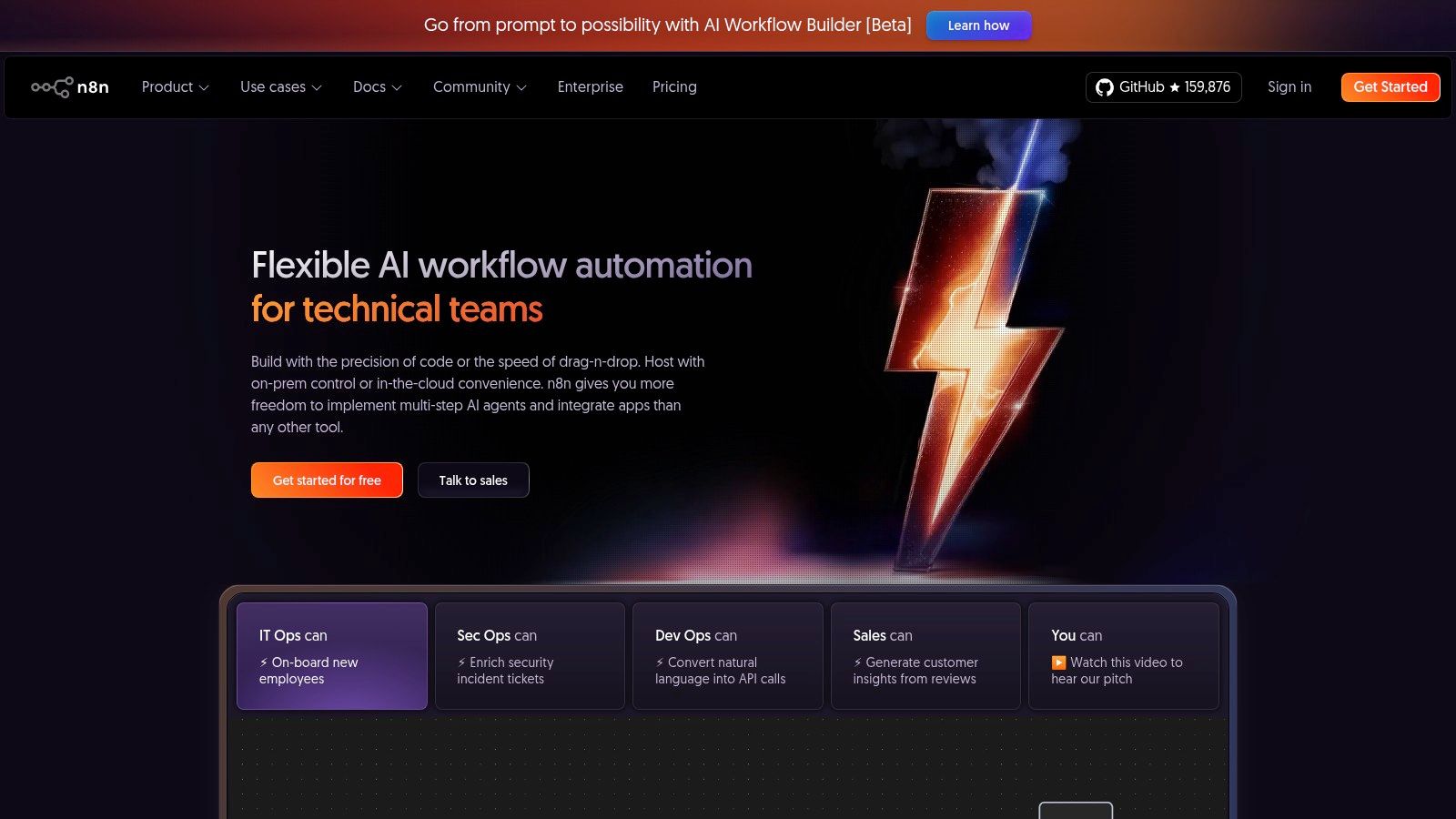
The platform integrates deeply with AI services through its extensive library of nodes, including dedicated connectors for OpenAI, Hugging Face, Cohere, and more. This makes it easy to build sophisticated AI-powered automations, such as document processing pipelines that extract data with one AI model and summarize it with another. The ability to write custom JavaScript or Python code within nodes provides limitless extensibility for teams needing bespoke solutions.
Core Features & Use Cases
- Best For: Technical teams, developers, and organizations with strict data privacy or compliance requirements who need a powerful, extensible automation engine. It’s perfect for building custom internal tools and complex data-processing pipelines.
- Key Features: Self-hosting option for complete data control, a node-based visual workflow editor, an extensive library of app and AI connectors, and the ability to create custom nodes with code.
- Practical Tip: Leverage the self-hosting option on a small cloud server to get started. This allows you to experiment with unlimited workflows and executions at a very low cost, which is ideal for testing complex AI chains before scaling up.
- Limitations: The self-hosted version requires technical maintenance and server management, which can be a hurdle for non-technical users. The cloud pricing model is based on workflow executions and can become costly for high-volume tasks.
Pricing Structure
n8n’s pricing is split between its self-hosted and cloud offerings.
- Self-Hosted: Free for the community edition (requires your own infrastructure).
- Cloud Starter: Starts at €20/month for 2,500 workflow executions and core features.
- Cloud Pro: Starts at €50/month for 10,000 executions and advanced features like custom branding.
- Cloud Enterprise: Custom pricing for large-scale deployments and premium support.
Website: https://n8n.io
5. Microsoft Power Automate
For organizations deeply embedded in the Microsoft 365 ecosystem, Microsoft Power Automate offers a powerful, enterprise-grade solution for low-code automation. It excels at connecting services like SharePoint, Teams, and Outlook, but its capabilities extend far beyond with Robotic Process Automation (RPA) for desktop tasks and AI Builder for infusing intelligence into workflows. As one of the more robust ai workflow automation tools, it’s designed for creating complex, resilient automations that handle both digital and legacy processes.
The platform’s AI Builder allows users to add AI models for tasks like form processing, text classification, and prediction directly into their “Flows.” This means you can create a workflow that automatically extracts invoice data from a PDF received in Outlook, saves it to a SharePoint list, and then uses AI to categorize the expense type. Its combination of cloud-based APIs and on-premises RPA makes it uniquely suited for hybrid environments where modern and legacy systems must coexist.
Core Features & Use Cases
- Best For: Enterprises standardized on Microsoft technologies (Azure, Office 365, Dynamics 365) that need to automate processes across cloud services and on-premises desktop applications.
- Key Features: Cloud flows and desktop flows (RPA), AI Builder with pre-built models, process mining, and premium connectors for services outside the Microsoft ecosystem.
- Practical Tip: Leverage the deep integration with Teams. Create a flow triggered by a keyword in a Teams channel that uses AI Builder to analyze the message sentiment and then creates a task in Microsoft Planner for follow-up.
- Limitations: The licensing and pricing matrix can be complex to navigate, especially when mixing per-user and per-flow plans. While powerful, those not invested in the Microsoft stack may find other powerful alternatives to Power Automate more intuitive.
Pricing Structure
Power Automate has a multifaceted pricing model, including per-user plans, per-flow plans, and pay-as-you-go meters.
- Per-user plan: Starts at $15 per user/month, including unlimited cloud flows.
- Per-user plan with attended RPA: $40 per user/month, adding desktop flow capabilities.
- Per-flow plan: Starts at $100/month for 5 flows, ideal for specific, critical processes.
- AI Builder: Available as an add-on, starting at $500/month for 1 million service credits.
Website: https://powerautomate.microsoft.com
6. UiPath
UiPath is an enterprise-grade automation powerhouse that combines Robotic Process Automation (RPA) with a full suite of AI capabilities. It goes beyond simple app-to-app connections, allowing businesses to automate complex, end-to-end processes across legacy systems, virtual desktops, and modern applications. As one of the leading ai workflow automation tools, UiPath excels in environments where governance, security, and scalability are paramount, making it a go-to for regulated industries.
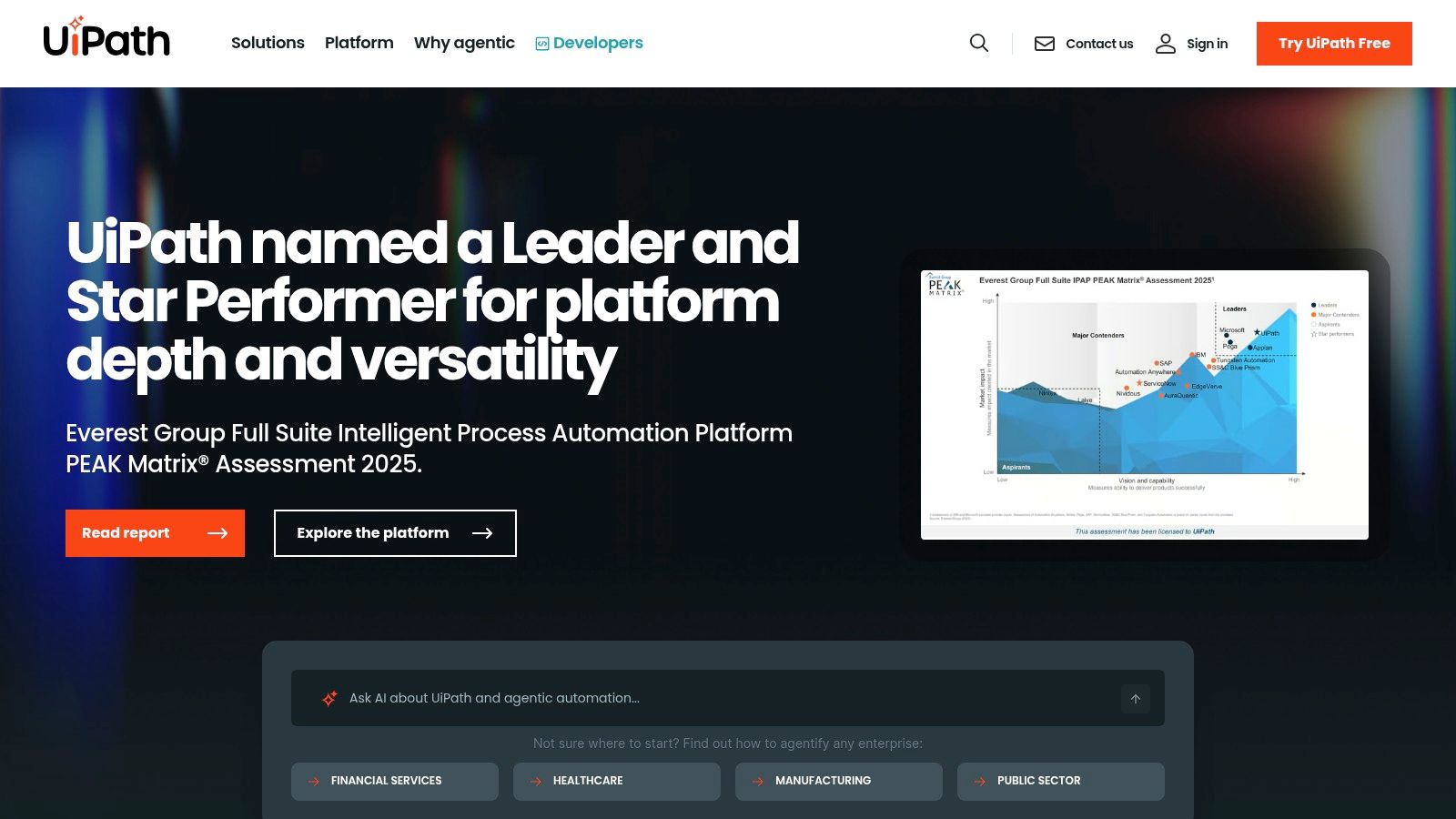
The platform’s strength lies in its ability to deploy “software robots” that can mimic human actions, augmented with AI skills like Intelligent Document Processing (IDP) to read invoices or contracts. With its Studio designers, Orchestrator for management, and a vast marketplace of pre-built components, UiPath is built for creating resilient, AI-assisted automations that can handle high-volume, mission-critical tasks. Its recent focus on agentic automation positions it for a future where AI assistants can execute multi-step work with minimal human oversight.
Core Features & Use Cases
- Best For: Large enterprises, especially in finance, healthcare, and manufacturing, that need to automate complex, compliance-heavy processes involving both modern and legacy systems.
- Key Features: Advanced RPA capabilities, AI and Intelligent Document Processing (IDP), Studio and Studio Web for development, Orchestrator for robot management, robust governance and security controls, and the UiPath Marketplace.
- Practical Tip: Leverage the UiPath Marketplace to find pre-built, reusable components for common tasks like logging into SAP or processing Excel files. This can significantly accelerate development time and reduce the initial learning curve.
- Limitations: The platform has a much steeper learning curve than simpler no-code tools and can be overly complex for small businesses or straightforward automation needs. Pricing is geared towards enterprise budgets.
Pricing Structure
UiPath offers a range of plans tailored to different business sizes, with full pricing details often requiring sales engagement.
- Free: A plan designed for individuals and small teams to learn and build automations.
- Pro: Starts at $420/month, aimed at teams needing to scale their automation programs.
- Enterprise: Custom pricing for large-scale deployments, available as both cloud and self-hosted options with advanced security and support.
Website: https://www.uipath.com
7. Automation Anywhere
Automation Anywhere is a cloud-native Robotic Process Automation (RPA) platform designed for large-scale enterprise automation. It bridges the gap between traditional RPA and modern AI by integrating intelligent capabilities directly into its bot-building environment. While its core is automating repetitive, rules-based tasks across legacy systems and modern apps, its AI add-ons elevate it into a powerful suite of ai workflow automation tools capable of handling complex, data-driven processes. The platform is built for governance and scalability, making it a go-to for organizations standardizing their automation efforts.
The platform’s strength lies in its Automation 360 ecosystem, which includes AI-powered Document Automation for extracting data from unstructured documents and Bot Insight for real-time analytics on automation performance. A key differentiator is its Bot Store, a marketplace where businesses can find pre-built bots to accelerate deployment and reduce development time. This allows teams to quickly solve common problems like invoice processing or IT user provisioning without starting from scratch.
Core Features & Use Cases
- Best For: Enterprises in regulated industries like finance, healthcare, and manufacturing that require robust security, governance, and scalability for their automation programs. It excels at automating end-to-end processes that span multiple departments and systems.
- Key Features: Cloud-native Automation 360 platform, attended and unattended bots, AI-driven Document Automation, Bot Insight analytics, a vast Bot Store marketplace, and a free Community Edition for developers and small businesses.
- Practical Tip: Leverage the Bot Store early in your evaluation. Download and test a free bot that aligns with a simple use case in your organization. This provides a tangible feel for the platform’s capabilities and can help build a business case for wider adoption.
- Limitations: Public pricing is sparse, with most enterprise plans being quote-based, which can complicate initial budget planning. The overall cost can increase significantly as you add advanced AI packs and other premium features.
Pricing Structure
Automation Anywhere primarily uses a quote-based model for its enterprise offerings, but it provides a free Community Edition.
- Community Edition: Free for small businesses, developers, and students, with limitations on features and scale.
- Cloud Starter Packs: Pre-packaged solutions with pricing available upon request.
- Enterprise: Custom pricing based on the number of bots, users, and required AI capabilities.
Website: https://www.automationanywhere.com
8. Workato
Workato is an enterprise-grade automation platform designed for complex, large-scale orchestration across an entire organization. While other tools focus on connecting individual apps, Workato excels at orchestrating sophisticated workflows that involve APIs, data streams, and multiple departments. Its recent integration of AI, including Intelligent Document Processing (IDP) and agentic capabilities in its higher tiers, positions it as a powerful solution for businesses seeking robust and secure ai workflow automation tools that can handle enterprise-level complexity and governance requirements.
Unlike simpler task-based automators, Workato provides a comprehensive platform that includes an API manager, event streams, and Workbot for integrating automations directly into chat platforms like Slack and Microsoft Teams. This makes it a central hub for business process automation, from finance and HR to IT and marketing. Its AI features allow for smarter data handling, such as extracting information from invoices or contracts and routing it through complex approval chains without manual intervention.
Core Features & Use Cases
- Best For: Large organizations and enterprises that require a scalable, secure, and governable automation platform to orchestrate complex, cross-departmental business processes.
- Key Features: Enterprise-grade connectors, API platform for custom integrations, event streams, Workbot for ChatOps, Intelligent Document Processing (IDP), and agentic features in the Workato One edition.
- Practical Tip: Leverage Workato’s “recipe” concept to build modular automations. Create a master recipe for a core process like employee onboarding, then call smaller, reusable recipes for specific tasks like creating IT tickets or provisioning software access. This keeps workflows clean and easy to manage.
- Limitations: The platform’s complexity and enterprise focus can be overwhelming for small businesses or simple use cases. The sales-led pricing model requires careful usage modeling and can be a barrier for teams needing immediate, self-serve access.
Pricing Structure
Workato uses a usage-based pricing model that requires a quote from their sales team. It typically consists of a platform edition fee plus consumption costs.
- Editions: Tiers range from Standard to the agentic Workato One, with features and capacity scaling accordingly.
- Pricing Model: Custom-quoted based on the number of “recipes” (workflows), connectors, and transaction volume. This flexible model aligns costs with actual usage but lacks transparent, upfront pricing.
Website: https://www.workato.com
9. Tray.ai
Tray.ai is an enterprise-grade iPaaS (Integration Platform as a Service) that has evolved into a powerful player in the ai workflow automation tools space. It uniquely combines a vast library of connectors with an advanced AI agent builder called Merlin. This allows teams not only to integrate their entire tech stack but also to deploy autonomous AI agents that can perform complex, multi-system tasks with built-in governance and security. Tray.ai is built for scalability, moving beyond simple linear automations to support sophisticated, agentic workflows.
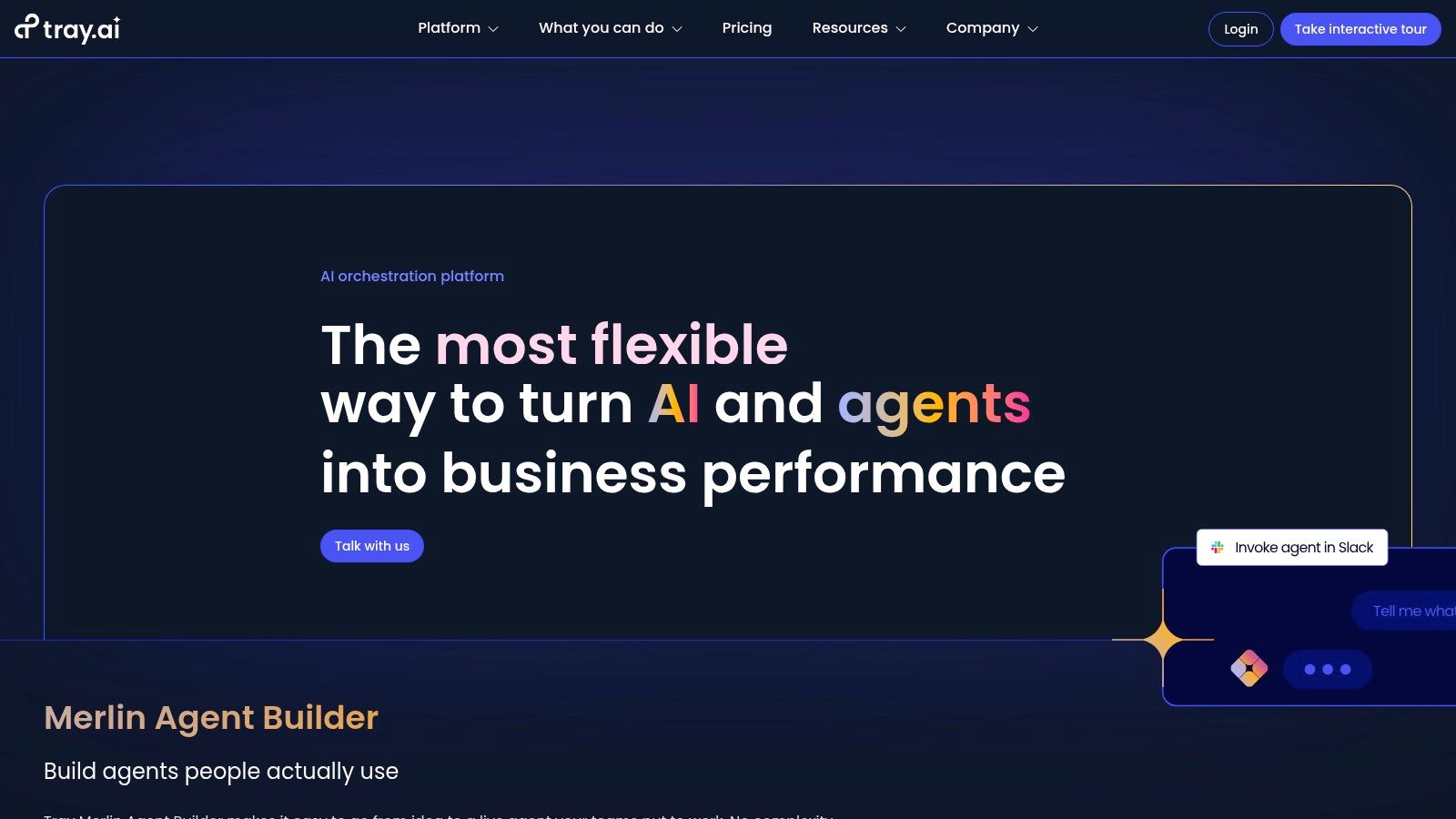
The platform’s Merlin AI enables the creation of agents with memory and guardrails that can be triggered via Slack, webhooks, or API calls. This is complemented by robust enterprise features like role-based access control (RBAC), on-premise agent deployment options, and detailed audit logs. This focus on security and control makes it a strong choice for larger organizations that need to deploy AI automation responsibly and at scale, bridging the gap between no-code accessibility and enterprise requirements.
Core Features & Use Cases
- Best For: Mid-market to enterprise companies needing to build and govern sophisticated AI agents that operate across complex business systems. It’s ideal for automating core operational processes where security and scalability are critical.
- Key Features: Merlin AI Agent Builder, 600+ pre-built connectors, a Connector SDK for custom integrations, enterprise-grade governance (RBAC, audit logs), and flexible deployment options including on-premise agents.
- Practical Tip: Leverage the Merlin Agent Builder to handle unstructured data. For example, create an agent that monitors a support inbox, interprets the user’s intent from an email, and then triggers a specific multi-step workflow in your CRM and ticketing system based on that interpretation.
- Limitations: The platform is more complex than entry-level tools, and its pricing is not fully transparent for self-service tiers, often requiring engagement with their sales team.
Pricing Structure
Tray.ai’s pricing is tailored to team size and usage, with a focus on enterprise needs.
- Pro, Team, Enterprise: Custom-priced plans based on task volume and feature requirements.
- Add-ons: Available for specific compliance or infrastructure needs, such as HIPAA, regional hosting, and log streaming.
- A free trial is available to explore the platform’s capabilities before committing.
Website: https://tray.ai
10. AWS Marketplace
AWS Marketplace is not a single tool but a digital catalog where organizations can discover, procure, and deploy a vast array of third-party software, including a growing number of powerful ai workflow automation tools. For businesses already embedded in the AWS ecosystem, it provides a streamlined pathway to adopt and manage sophisticated automation solutions with the benefits of consolidated billing, enterprise-grade procurement workflows, and governance under existing AWS accounts. It simplifies the often-complex process of vetting and integrating new vendors.
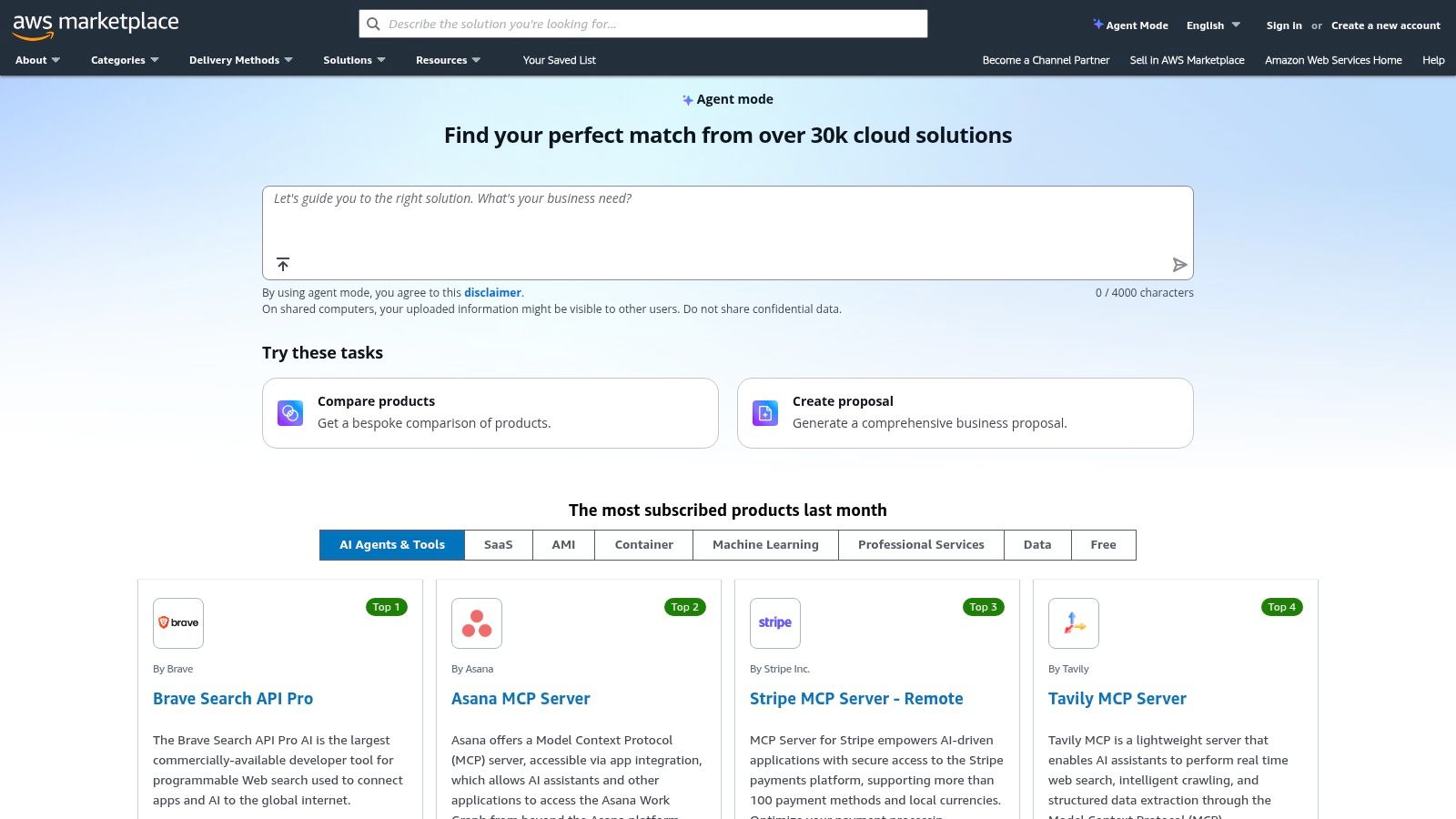
Instead of offering a native builder, the marketplace acts as a launchpad for deploying everything from SaaS automation platforms to AI-powered RPA solutions directly into your cloud environment. This is particularly advantageous for teams that need to maintain strict security and compliance standards, as tools can be deployed using familiar AWS Identity and Access Management (IAM) and security patterns. It centralizes license management and procurement, turning a logistical challenge into a straightforward transaction.
Core Features & Use Cases
- Best For: Companies with existing AWS infrastructure, procurement teams standardizing vendor management, and technical teams needing to deploy automation solutions within a controlled and secure cloud environment.
- Key Features: Curated catalog of AI workflow, RPA, and agentic solutions; consolidated billing through your AWS account; private offer and enterprise procurement options; quick deployment using AWS patterns.
- Practical Tip: Use the marketplace filters to find tools with “SaaS” or “AMI” deployment options depending on your needs. For SaaS, you subscribe directly, while AMIs (Amazon Machine Images) let you run the software on your own EC2 instances for greater control.
- Limitations: Pricing is often opaque, with many listings requiring you to request a “private offer” from the vendor. The quality and feature sets of the listed tools vary widely, so thorough vetting is still required.
Pricing Structure
Pricing is determined by the individual vendor for each product listing. It can range from free trials and pay-as-you-go models to annual contracts.
- Vendor-Specific: Each tool has its own pricing, which may be public or require a private offer.
- AWS Billing: All charges are consolidated and appear on your monthly AWS bill, simplifying expense management.
- US Financing: Financing options are available for eligible customers on certain purchases.
Website: https://aws.amazon.com/marketplace
11. Airtable
Airtable transcends the traditional spreadsheet by blending a flexible database with custom user interfaces and powerful native automations. Its evolution into one of the top ai workflow automation tools comes from seamlessly integrating Airtable AI directly into its core components. This allows users to build sophisticated operational apps where the data, user interface, and intelligent workflows all live and interact within a single, unified platform, eliminating the need to stitch together multiple services.
With Airtable AI, you can automate tasks like summarizing project updates, categorizing customer feedback, or generating content directly within your database triggers. For example, a new feedback entry can automatically trigger an AI-powered sentiment analysis and categorization, routing it to the correct team. By combining its relational data structure with AI and custom Interfaces, teams can create end-to-end solutions, such as a complete content production pipeline or an intelligent project management dashboard.
Core Features & Use Cases
- Best For: Operations, product, and marketing teams that need to build custom internal tools and workflows around a central database. It’s perfect for creating content calendars, project trackers, and simple CRMs with built-in intelligence.
- Key Features: Airtable AI with pooled credits, integrated Automations (triggers/actions), custom app-building with Interfaces, scripting and webhook support, and two-way data sync on higher-tier plans.
- Practical Tip: Use an Automation to trigger an AI “Generate Text” action. For instance, when a project status changes to “Complete,” automatically generate a summary of all linked tasks and post it as a comment for the project manager.
- Limitations: While powerful, the built-in automations may hit execution limits for very high-volume or complex, enterprise-scale workflows. Advanced governance and security features are often reserved for more expensive Business and Enterprise plans.
Pricing Structure
Airtable’s pricing is user-based and includes a pool of AI credits on paid plans.
- Free: Basic features with limited records and automation runs.
- Team: Starts at $20/user/month (billed annually), includes more records, 25,000 automation runs, and 2,000 AI credits per user per month.
- Business: Starts at $45/user/month (billed annually), with advanced features, higher limits, and 50,000 AI credits per user.
- Enterprise: Custom pricing for advanced controls, security, and unlimited workspaces.
Website: https://airtable.com
12. Salesforce
Salesforce has evolved far beyond its CRM roots, becoming a comprehensive platform for enterprise-scale business process automation. With tools like Flow Builder and Flow Orchestration, organizations can design complex, multi-step workflows that operate natively within their customer data model. The introduction of Einstein 1 and Agentforce positions Salesforce as a powerful player among ai workflow automation tools, allowing companies to build and deploy trusted AI agents that act across the entire Salesforce ecosystem.
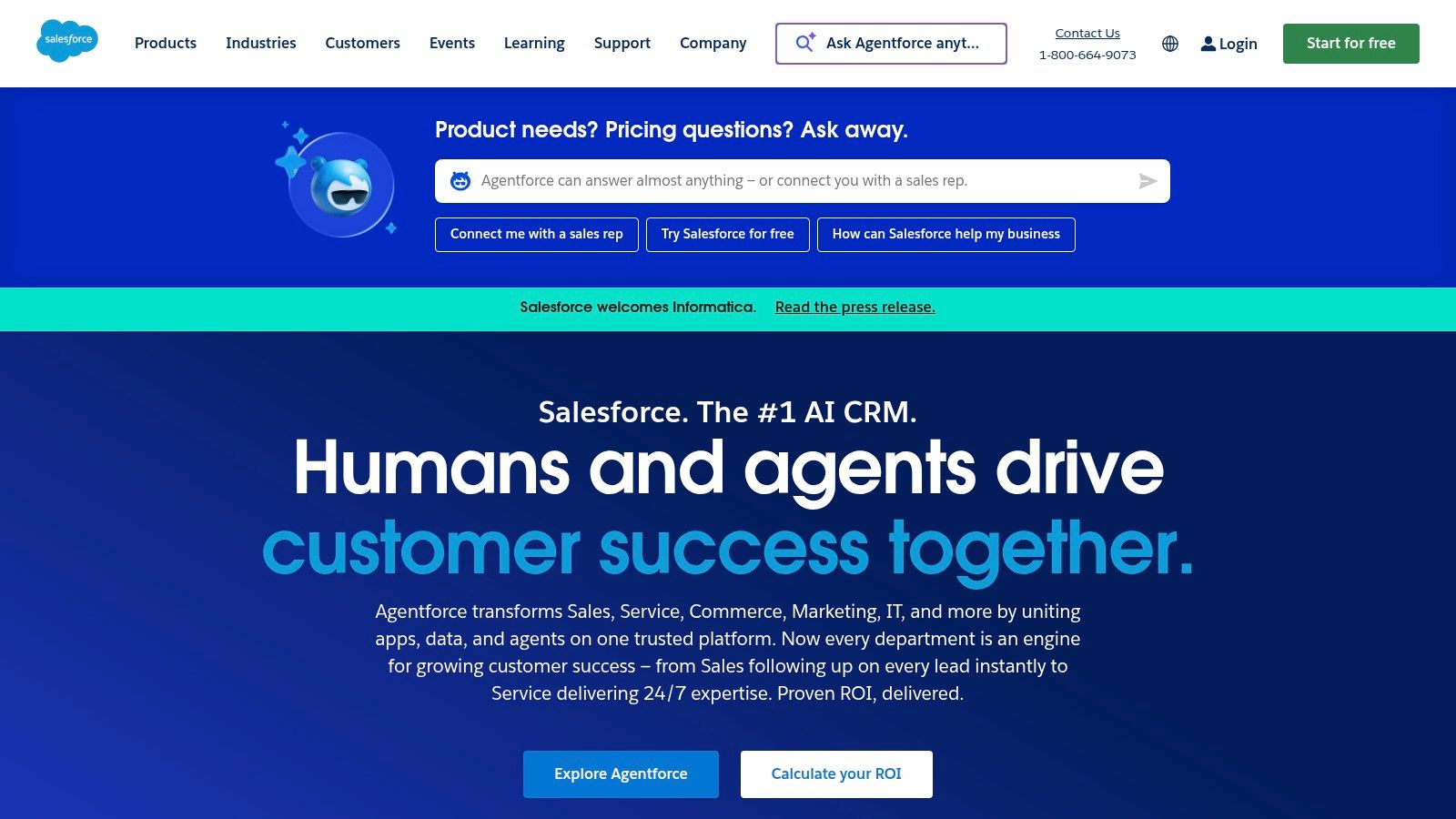
This native approach is Salesforce’s key differentiator. Instead of connecting an external tool to your CRM, you build automations directly on the platform where your data lives, ensuring end-to-end governance, security, and scale. With deep Slack integration, these AI-powered workflows can extend to employee-facing interactions, such as an agent that automatically generates a service summary and posts it to a dedicated Slack channel after a case is closed.
Core Features & Use Cases
- Best For: Medium to large organizations already standardized on the Salesforce platform that need to automate complex sales, service, and marketing processes with built-in AI.
- Key Features: Flow Builder for visual process automation, Flow Orchestration for multi-user and multi-stage workflows, Agentforce for creating AI agents, a vast AppExchange ecosystem, and deep Slack integration.
- Practical Tip: Leverage Flow Builder to create a “record-triggered flow” that activates an AI agent. For instance, when a sales opportunity stage changes to “Negotiation,” trigger an agent to analyze past successful deals with similar profiles and suggest key talking points in the opportunity notes.
- Limitations: The platform’s greatest strength is also its limitation. It delivers the most value for companies deeply embedded in the Salesforce cloud. The licensing and pricing structure is complex and often requires a direct conversation with a sales representative.
Pricing Structure
Salesforce pricing is highly customized and depends on the specific clouds, editions, and add-ons required.
- Automation features are bundled within various Salesforce Cloud editions (e.g., Sales Cloud, Service Cloud).
- Advanced capabilities like Flow Orchestration and MuleSoft Automation are typically included in higher-tier enterprise plans.
- Agentforce AI actions are available through a consumption-based model using “Flex Credits” or as specific user add-ons.
Website: https://www.salesforce.com
Top 12 AI Workflow Automation Tools Comparison
| Tool | Core features / Characteristics | UX / Quality (★) | Value / Price (💰) | Target audience (👥) | Unique selling points (✨) |
|---|---|---|---|---|---|
| Sagekit 🏆 | Chat-first NL→automations; cross-app one-click integrations; templates (email briefs, lead parsing) | ★★★★☆ — fast time‑to‑value | 💰 Free / Pro $19 / Growth $69 — transparent tiers, credit limits | 👥 Freelancers, solo pros, small teams, sales/ops | ✨ One‑click logins, built‑in research (GPT/Gemini, web/reddit), chat‑to‑build |
| Zapier | 6,000+ connectors; multi-step Zaps; AI steps & Agents | ★★★★ — huge template/library | 💰 Free → usage-based; can be pricey at scale | 👥 SMBs & teams connecting many SaaS apps | ✨ Largest connector ecosystem; strong community templates |
| Make | Visual drag‑drop builder; 3,000+ modules; JS/Python support | ★★★★ — granular control & observability | 💰 Credit-based; competitive entry pricing | 👥 Teams needing visual control and debugability | ✨ In‑workflow code, AI toolkit, detailed run insights |
| n8n | Open‑source or managed; extensive nodes; self‑host option | ★★★☆ — flexible but more technical | 💰 Self‑host = cost control; cloud priced by executions | 👥 Devs, infra teams, privacy/compliance-focused orgs | ✨ Full self‑hosting, custom nodes, unlimited users |
| Microsoft Power Automate | Cloud flows + RPA + AI Builder; premium connectors | ★★★★ — deep MS365 integration | 💰 Complex licensing; pay‑as‑you‑go meters | 👥 Enterprises standardized on Microsoft stack | ✨ Native MS365 & Dataverse automation, RPA + process mining |
| UiPath | Studio + Orchestrator; IDP & AI; marketplace | ★★★★ — enterprise-grade, steeper learning | 💰 Enterprise/quote pricing | 👥 Large enterprises with compliance needs | ✨ Strong governance, IDP, large partner ecosystem |
| Automation Anywhere | Automation 360; document AI; Bot Store | ★★★★ — cloud‑first RPA platform | 💰 Quote-based; Community Edition available | 👥 Enterprises standardizing on cloud RPA | ✨ Bot Store, analytics (Bot Insight), document automation |
| Workato | Enterprise orchestration; API & event streams; Workbot | ★★★★ — scalable & secure | 💰 Platform fee + usage; sales‑led pricing | 👥 Mid→large IT & business teams | ✨ API/data orchestration, enterprise governance |
| Tray.ai | Merlin agent builder; 600+ connectors; governance add‑ons | ★★★★ — agentic workflows with controls | 💰 Task/usage-based; many plans sales‑led | 👥 Teams building governed AI agents | ✨ Agent memory, guardrails, on‑prem options |
| AWS Marketplace | Catalog for SaaS/AMIs/stacks; consolidated billing | ★★★☆ — procurement convenience; listing variability | 💰 Varies by listing; private offers & consolidated billing | 👥 AWS customers and procurement teams | ✨ Deploy‑to‑AWS, private offers, consolidated enterprise billing |
| Airtable | Flexible DB + Interfaces + Automations + Airtable AI | ★★★★ — unified data/UI/workflows | 💰 Tiered per‑user pricing; pooled AI credits | 👥 Ops teams, PMs, SMBs building internal apps | ✨ Combines data model, UI and automations in one product |
| Salesforce | Flow, Flow Orchestration, Agentforce; AppExchange | ★★★★ — CRM‑native automation at scale | 💰 Nuanced/licensed; best when you’re a Salesforce customer | 👥 Companies using Salesforce & Slack | ✨ Native CRM automation, Agentforce actions, AppExchange ecosystem |
Start Automating and Reclaim Your Time
The landscape of work is undergoing a fundamental transformation, and the engine driving this change is intelligent automation. As we’ve explored, the market for AI workflow automation tools is vast and varied, moving far beyond simple “if this, then that” triggers. From the user-friendly, natural-language interface of Sagekit to the enterprise-grade power of UiPath and the developer-centric flexibility of n8n, there is a solution designed to meet nearly every conceivable business need.
The core takeaway is no longer about whether you should automate, but how you can strategically implement these tools to reclaim your most valuable asset: time. The tools we’ve detailed, including Zapier, Make, and Microsoft Power Automate, serve as powerful bridges between the disparate applications you use daily. They are the digital duct tape and intelligent assistants that handle the repetitive, manual tasks that drain productivity and stifle creativity.
Choosing the right platform is the critical first step on this journey. Your decision shouldn’t be based on which tool has the longest feature list, but on which one aligns perfectly with your specific context.
A Practical Framework for Your Decision
To move from analysis to action, consider these final guiding questions before you commit to one of the AI workflow automation tools we’ve covered:
- What is your immediate pain point? Don’t try to boil the ocean. Identify one to three highly repetitive, low-value tasks that consume significant time. Is it manually copying lead data from a form to your CRM? Is it compiling daily reports from multiple sources? Pinpointing this will clarify your primary use case.
- What is your technical comfort level? Be honest about your team’s skills. If you’re a solopreneur or a non-technical team, platforms with no-code, natural-language builders like Sagekit or the guided interface of Zapier are your best entry points. If you have development resources, the open-source nature of n8n or the extensive APIs of Workato might offer greater long-term flexibility.
- How complex will your workflows become? Think about your future needs. Simple, linear automations between two or three apps are well-served by most tools. However, if you anticipate needing multi-step logic, complex data transformations, conditional branching, or robust error handling, platforms like Make or Tray.ai are built for that level of sophistication.
- What does your budget look like? Your financial constraints are a major factor. Free tiers offered by Sagekit, n8n, and others are perfect for experimentation. As you scale, pay close attention to task-based pricing models (like Zapier’s) versus operations-based ones (like Make’s) to forecast your costs accurately. Enterprise solutions like UiPath or Automation Anywhere represent a significant but powerful investment for large-scale operations.
Your First Step into a More Productive Future
The power of AI-driven automation isn’t a distant, futuristic concept; it’s a practical reality available to you today. The biggest mistake is waiting for the perfect moment or trying to map out a massive, all-encompassing automation strategy from day one. The key is to start small, prove the value, and build momentum.
Select a single, high-impact task that you dread doing manually. It could be as simple as saving email attachments to a specific cloud folder or as complex as enriching new sales leads with company data before notifying your team. By automating just one process, you’ll not only free up hours in your week but also gain the confidence to tackle bigger, more ambitious workflow challenges. The age of manual data entry and repetitive digital chores is over. The only question left is, what will you do with all the time you get back?
Ready to build your first intelligent workflow in minutes? Sagekit uses a natural-language builder that lets you describe your automation in plain English, eliminating the complex setup of traditional tools. Stop copying and pasting and start automating your most tedious tasks today by exploring our free plan at Sagekit.